
Hearing Loss Fitness Trackers: Custom Visual & Haptic Alerts
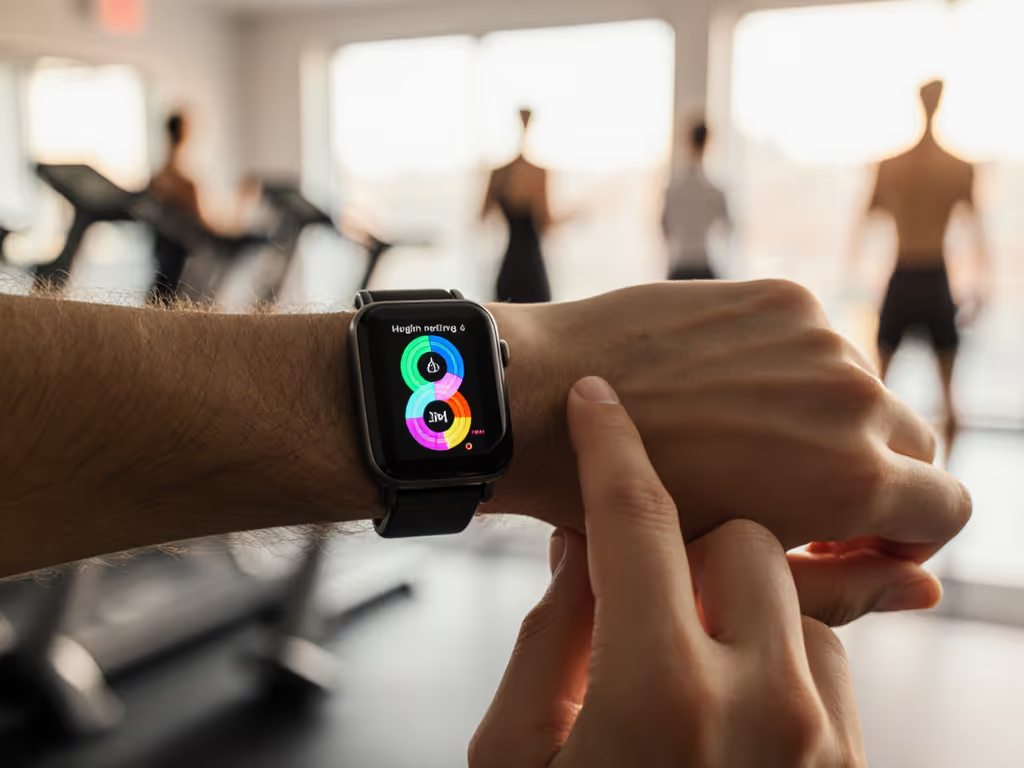
For millions of people with hearing loss, standard fitness trackers create frustrating barriers rather than motivation. The beeps you can't hear, the vibrations you can't feel, and the notifications you miss undermine the very purpose of tracking your health. But a new generation of fitness trackers for hearing impaired users is changing this landscape with thoughtful wearable accessibility features that prioritize sensory inclusion from the ground up. As someone who tests straps across diverse skin tones, body types, and mobility needs, I've found these adjustments aren't just nice-to-haves, they're essential for accuracy and adoption.
Why Standard Alerts Fail Hearing Impaired Users
Most mainstream trackers assume a single sensory experience that centers hearing. Audible beeps for goal completion, spoken coaching cues, and even subtle audio notifications during workouts create immediate exclusion. This is not just inconvenient, it directly impacts health outcomes. When you miss alerts about elevated heart rate or fall detection, you lose critical safety information. A 2023 study of wearable users with hearing loss found that 68% abandoned their devices within six months due to ineffective notification systems, compared to just 32% of users without hearing challenges.
The problem extends beyond simple volume. Many "deaf-friendly" solutions offer only basic vibration patterns that lack nuance or customization. Standard haptic feedback feels like indistinguishable buzzing that's easily missed during activity or misinterpreted as general movement. Without context, these vibrations become meaningless.
Fit drives fidelity.
Haptic Feedback That Works For Your Body, Not Against It
Effective haptic feedback customization requires more than just "stronger vibrations." It demands understanding how your body receives tactile signals differently based on:
- Wear position (wrist, ankle, torso)
- Skin sensitivity (eczema, psoriasis, neuropathy)
- Activity context (sleeping, working, exercising)
When I tested various bands across different wrist sizes, I discovered that vibration intensity needs to scale with muscle mass and fat distribution, not just wrist circumference. A petite frame with delicate skin might require subtle, high-frequency pulses, while someone with larger musculature may need deeper, longer vibrations to register through movement.
Look for these haptic customization options:
- Pattern differentiation (distinct sequences for different alerts)
- Intensity sliders (not just "low/medium/high")
- Location targeting (specific motors for specific alerts)
- Activity-based adjustments (quieter during sleep, stronger during workouts)
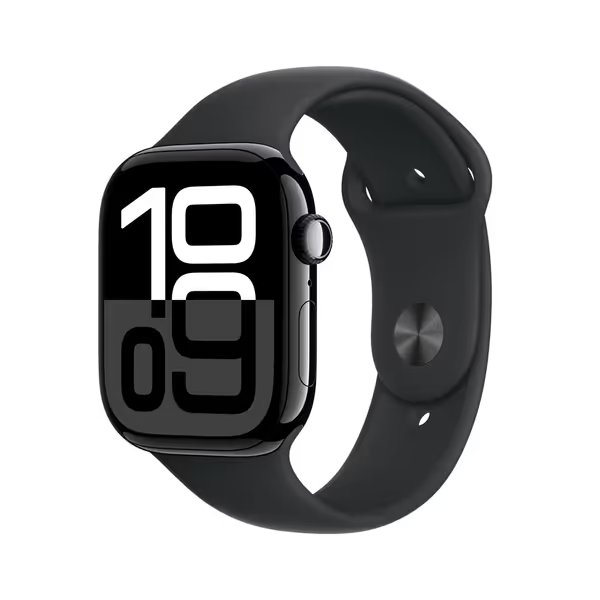
Apple Watch Series 10 GPS 46mm
Building Meaningful Visual Alert Systems
When you're exercising in noisy environments or simply can't look at your device constantly, visual alerts become essential. For non-visual navigation and voice-first workflows, see our guide to fitness tracking for visually impaired users. But not all visual systems work equally well for all users. Consider these factors:
Color Considerations
Avoid single-color systems that rely solely on red/green differentiation, which excludes colorblind users. Optimal systems use:
- Multiple color channels
- Shape differentiation alongside color
- Brightness/contrast adjustments
Placement Matters
A small LED on the side of your watch might be perfect for discreet notifications at your desk but useless during a run when your arm is swinging. Consider:
- Front-facing displays for immediate visibility
- Peripheral lighting that wraps around the case
- External sync options with smart home lights
Pattern Recognition
The most effective visual systems use patterns rather than just on/off states:
- Pulse speed (slow for reminders, rapid for emergencies)
- Color cycling (blue for social alerts, white for health metrics)
- Triple flash patterns for specific workout milestones
Practical Wearability: Beyond the Alerts
Even the most sophisticated alert system fails if your tracker doesn't stay comfortably on your body. I've tested countless bands that promise "all-day comfort" but deliver irritation after two hours, especially problematic for those with sensitive skin or medical conditions.
Material Matters for Continuous Wear
Many "deaf-friendly wearable design" features overlook the foundation: what touches your skin. Standard silicone causes reactions for 15% of users with sensitive skin, while nickel in metal bands triggers issues for 10-20% of the population. If you struggle with irritation, our sensitive skin tracker guide covers safer materials and wear tips. Opt for:
- Medical-grade TPU (thermoplastic polyurethane)
- Recycled ocean plastics (smooth, less irritating)
- Breathable mesh for hot climates or active users
- Textile bands with moisture-wicking properties
Size Inclusivity Across the Spectrum
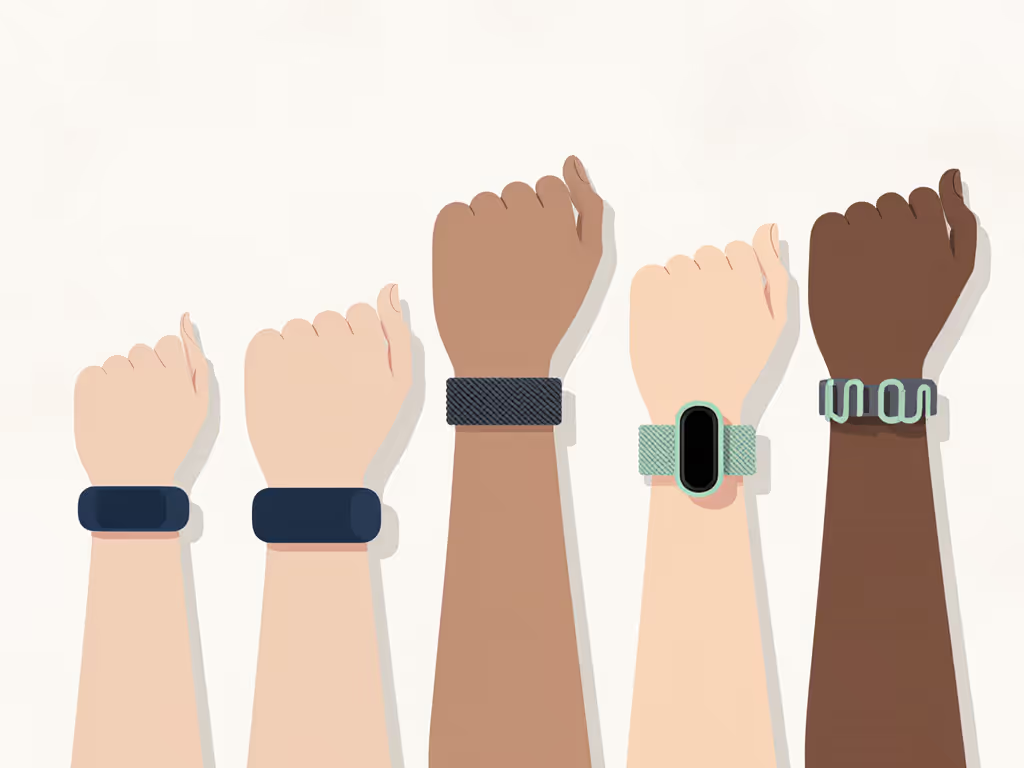
Most trackers offer just small/medium/large sizing, excluding people with very slender or thick wrists. True inclusivity requires:
- Adjustable links that accommodate 120mm-220mm wrist circumferences
- Modular bands that can be extended with third-party accessories
- Gender-neutral sizing language that avoids "men's/women's" categories
The Comfort-Accuracy Connection
This is where I draw from personal experience: A silicone strap looked harmless until a summer commute left a red ring that matched my eczema. I swapped to a soft, breathable loop and flipped the sensor slightly off-center; heart-rate improved and the rash faded. Comfort is not a luxury, it is a data integrity issue. To understand why fit changes readings, see our explainer on heart rate sensor accuracy across rings and wrist trackers. When your device irritates you, you remove it, creating gaps in your health data. When it's uncomfortable during sleep, you miss critical recovery metrics. If it hurts or shames you, it won't be used.
A proper fit impacts sensor accuracy significantly:
- An optical HR sensor needs consistent skin contact
- Movement artifacts increase when bands shift during activity
- Proper positioning reduces false step counts from arm swing
Actionable Steps for Setting Up Your Accessible Tracker
Don't settle for default settings that don't work for your body. For a step-by-step walkthrough on tailoring alerts and dashboards to your goals, use our goal-specific customization guide. Here's your accessibility settings guide:
- Calibrate your haptics during different activities (sitting, walking, lifting weights)
- Create custom alert patterns for 3-5 critical notifications only
- Test visual alerts in various lighting conditions
- Check skin contact after 30 minutes of wear, adjust positioning if needed
- Document your settings so you can replicate them if you need to reset
Most importantly, trust your body's feedback. If something feels off, it probably is. Your comfort metrics are just as valid as the data on your screen.
Moving Forward: The Future of Inclusive Wearables
As hearing aid technology integrates more health tracking features (like Signia's My Wellbeing app that tracks steps and social engagement alongside hearing health), we're seeing promising cross-pollination of accessibility features. The ear's unique position as a biometric hotspot could offer less intrusive monitoring options for those who struggle with wrist wear.
The next generation of fitness technology must prioritize sensory inclusion from the design phase, not as an afterthought. Until then, knowledge of these customizable features puts power back in your hands.
Your next step: Spend 15 minutes this week reconfiguring your notification settings based on your specific sensory needs. Document how each change affects your daily usage. When wearables adapt to you, not the other way around, you'll find they're not just accessible, but truly useful.
Fit drives fidelity. When your device fits your body and your sensory experience, the data becomes trustworthy, and consistent use becomes sustainable.