Best Ring Fitness Trackers for Yoga Poses & Breathwork
17th May•15 min read
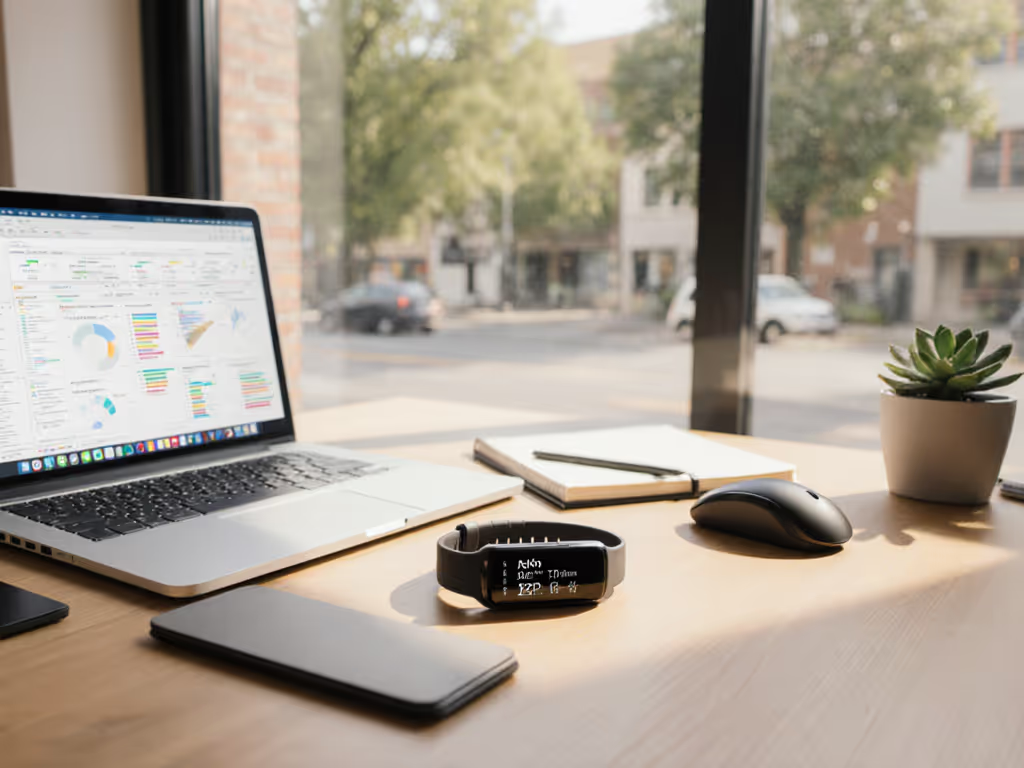
For remote workers and digital nomads, the right fitness tracker shouldn't add to your cognitive load, it should dissolve into your rhythm. Yet most devices fail by treating us like factory-shift workers with rigid 9-to-5 bodies. True fitness trackers for remote workers understand that your workday might bleed from morning emails to midnight code reviews. Digital nomad health monitoring must adapt to your chaos, not demand you conform to its algorithms. As I learned from a nurse on rotating shifts last year, our devices too often scold instead of support. When hers started shaming her over "inconsistent sleep," we simply muted the judgment and tuned it to her reality. If you work nights or rotate schedules, see our night shift fitness tracking guide for recalibrating sleep and readiness without false 'bad' days. Tools that flex with people (not punish them) are what remote life demands.
Most fitness trackers assume you punch a clock. They nag about "inactive hours" when you're deep in flow state, flag "poor sleep" after client calls in different time zones, and treat step counts as moral victories. For remote workers, this creates three critical friction points:
I've seen too many professionals abandon trackers after two weeks, not from lack of motivation, but because the devices amplified their stress. A designer I coached felt ashamed when her tracker red-flagged "low readiness" after nursing her baby overnight. Her body wasn't broken, the metrics were. Devices must recognize that caregiving, travel, and irregular schedules aren't failures to fix.
Small, repeatable wins beat flashy charts and streaks. This is why we prioritize settings that honor your actual life.
Forget chasing 10,000 steps. Remote work thrives on consistency, not intensity. To make consistency stick, use our habit-building playbook to turn tracker data into effortless routines. These stepwise adjustments transform your tracker from a stressor to a silent ally (most take under 5 minutes). I prioritize defaults that work immediately because remote life leaves little energy for tinkering.
Identify one notification causing anxiety (e.g., inactivity alerts, sleep score alerts). Now mute it:
This isn't ignoring data, it's preventing reactive stress. Tracking should inform, not infantilize. For step-by-step settings by goal, follow our tracker customization guide to declutter screens and silence non-essential alerts. Like that nurse I mentioned, removing shaming cues let her focus on actual recovery.
Your tracker should protect boundaries, not blur them. Prioritize these low-cognitive-load settings:
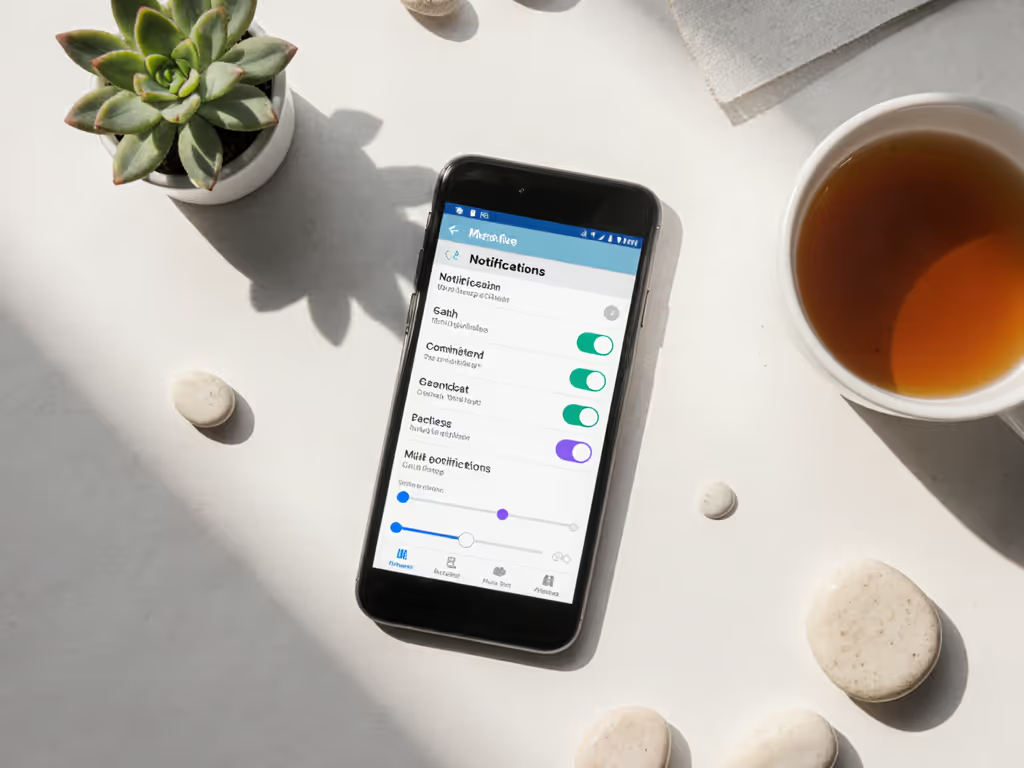
Remote work thrives on rhythm, not rigidity. Protect your energy by filtering out noise.
"Steps" are rarely the bottleneck for remote workers. Prioritize these often-overlooked metrics that directly impact sustainable productivity:
| Metric | Why It Matters for Remote Work | Setup Tip |
|---|---|---|
| HRV (Heart Rate Variability) | Measures nervous system recovery, critical when work stress piles up | Enable 24/7 tracking but mute alerts. Check weekly trends only on Sundays. |
| Screen Time Sync | Reveals how digital fatigue impacts sleep | Link to iPhone/Android digital wellbeing. Set sunset alerts when usage exceeds 4 hours/day. |
| Standing Ratio | Tracks meaningful movement (e.g., kitchen breaks vs. treadmill desk) | Aim for 1:20 standing-to-sitting ratio. No alerts, just weekly reports. |
Note: Accuracy matters most here. Darker skin tones and tattoos often disrupt optical HR sensors. Garmin's Elevate Gen 5 and Fitbit's Charge 6 show improved reliability across diverse skin tones during sustained activity, but verify against manual pulse checks initially.
When selecting a device, ignore spec sheets. Ask: "Will this fit my actual chaos?" Here's what truly matters for remote workers:
You'll wear this while typing, sleeping, and chasing kids. Prioritize:
The Garmin vivoactive 6 excels here with its featherlight build, while Oura Ring Gen 4 offers invisible all-day wear (ideal for video calls).
Your tracker should integrate with work tools:
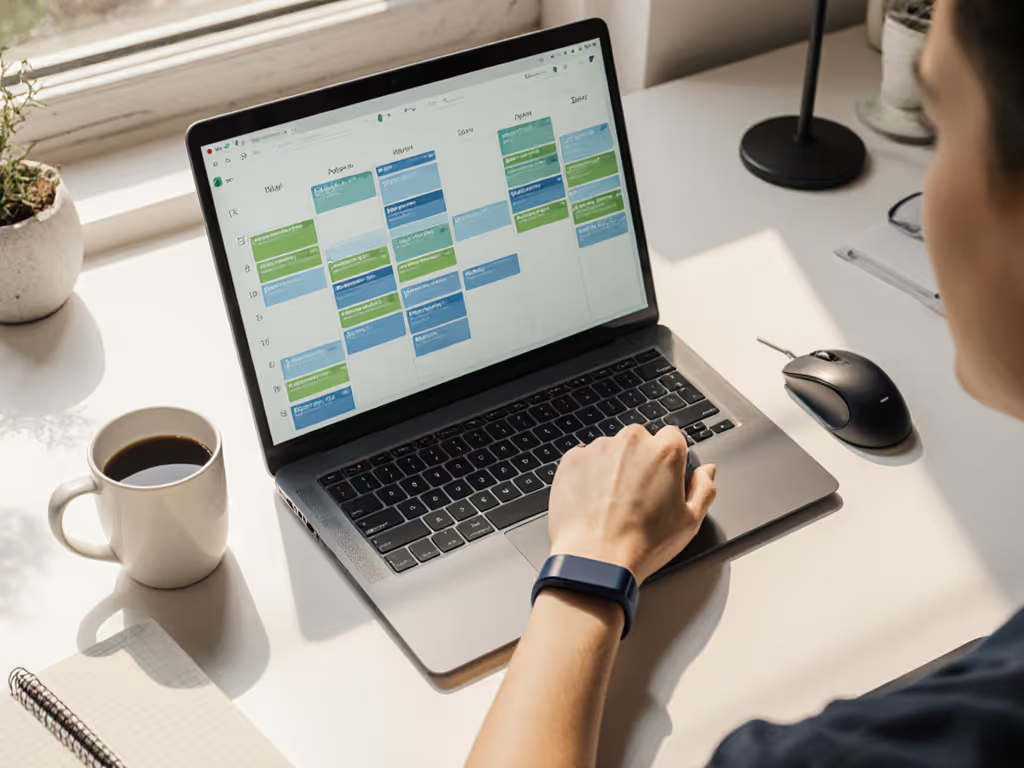
Coros Apex 2 leads with its "Work-Life Balance" feature that syncs with Google Calendar to adjust activity goals dynamically. If you juggle multiple platforms, build a unified health dashboard so calendar, screen time, and workout data live in one view.
Remote workers fear data leaks. Audit these settings before setup:
Fitness trackers for remote workers succeed only when they disappear into your life. Not by demanding perfection, but by honoring your reality: some days you'll move constantly between meetings; other days, you'll be deep in code for 6 hours straight. That's not failure, it's work. The nurse's sleep debt didn't vanish because she slept more. It shrank because her tracker stopped weaponizing her schedule against her.
Your actionable next step: Tonight, spend 3 minutes muting one shame-based alert. Open your fitness app. Find notifications labeled "achievement," "streak," or "score." Turn them off. Tomorrow, notice if your shoulders feel lighter. That's not magic, it's technology finally working with you.
Consistency isn't about daily streaks. It's about choosing tools that adapt to your life's messy, beautiful rhythm. Small, repeatable wins beat flashy charts and streaks. When your device respects your reality, movement becomes effortless, not another item on your to-do list. Kind routines, clear settings, it's the only way to thrive when work and life share the same space.