Fitness Trackers for Mental Health: Track Mood Patterns
10th May•9 min read
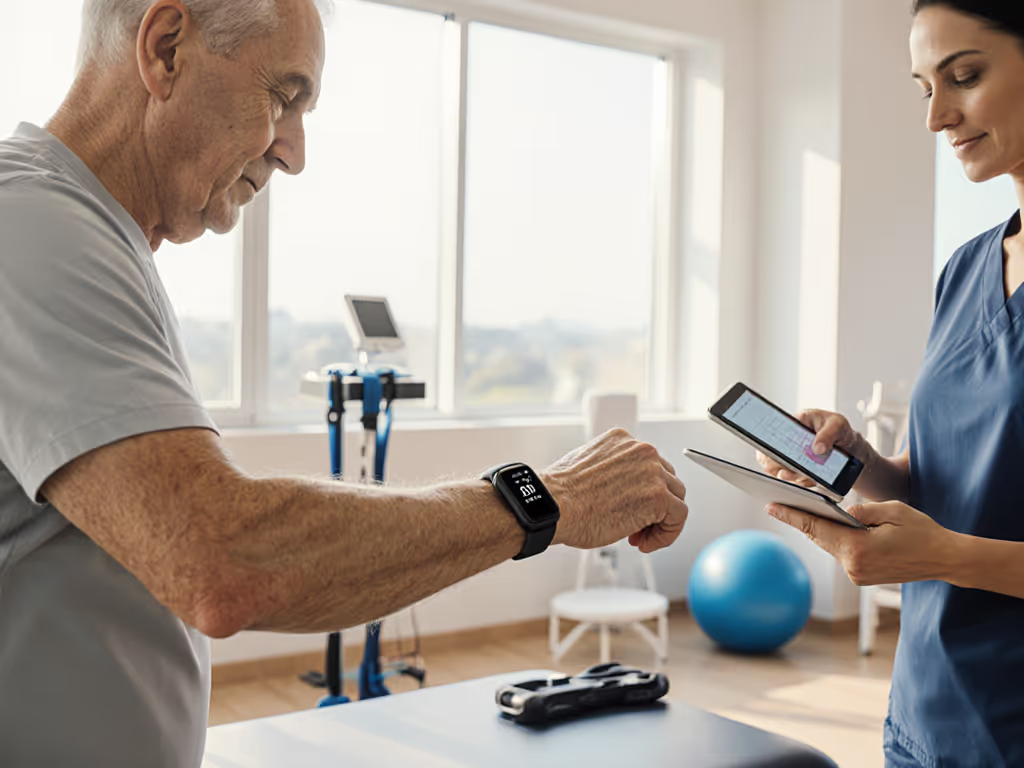
Fitness tracker physical therapy monitoring is not the same as tracking your morning jog. When you're measuring recovery after an injury or validating movement quality with a therapist, the stakes for accuracy are higher, and the conditions are messier. Your wearable must work during the rehabilitation program you and your PT actually follow: early-morning sessions, varied temperatures, different movement planes, and bodies with different skin tones, tattoos, and sensitivities. For sensor performance across diverse skin tones, see our real-world optical accuracy tests.
Before we talk features, let me be direct: Show me the error bars, then we can talk features. Most tracker marketing skips the hard part: what it misses and under what conditions. This guide walks through the questions you should ask, the testing you should do, and how to build confidence that your data reflects your actual progress.
A tracker is valid in your context only if it's been tested in your context. That means three things: the same activities you perform, the same movement planes and speeds, and bodies like yours.
Most consumer wearables are validated in controlled lab settings (steady-state treadmill walking, seated rest, or lab-grade lighting). In PT, you're doing lateral movements, resisted motions, transitions from sit to stand, and exercises at varying intensities. A tracker that nails step count on a flat walk may struggle with sidesteps, stairs, or the partial weight-bearing phase of rehabilitation.
When evaluating a tracker, ask the manufacturer or search their published validation studies for:
Test population: Was it diverse in age, body size, and skin tone? If the study doesn't mention skin tone or shows results only for lighter skin, that's a red flag. I learned this the hard way: during a winter group run, two wrist sensors drifted wildly whenever we turned into headwinds, while a chest strap stayed steady. Later, a darker-skinned runner's optical sensor spiked under streetlights. That night I rewrote our entire protocol to include mixed skin tones, temperatures, and movement types, or it wasn't valid for anyone.
Activity list: Were walking and sitting the only tests, or did they include bodyweight exercises, resistance training, and dynamic movements?
Confidence intervals: Not just an overall accuracy claim (e.g., "±5 bpm heart rate"), but ranges for different conditions. A tracker that's ±2 bpm at rest but ±10 bpm during HIIT is not equally reliable across your PT plan.
Failure modes documented: Honest reports mention when sensors drift, when optical HR fails (tattoos, darker skin, high sweat), or when GPS loses signal. Absence of this discussion suggests vendor-controlled test conditions, not real-world validation.
During post-injury movement monitoring, you're typically interested in: For step-by-step rehab use cases, read our fitness tracker rehabilitation guide.
Heart rate and recovery: How quickly your heart rate drops after an exercise set, and whether resting HR trends downward over weeks. This is a legitimate proxy for improving cardiovascular resilience, but only if the tracker reads your HR accurately at rest and during your specific exercises.
Movement count and step data: If you're cleared for walking, step count confirms load tolerance. But step count alone misses quality. If you're taking 3,000 steps but shuffling or favoring one side, the tracker will reward it equally. This is why therapist oversight matters, the numbers should corroborate what you observe, not replace it.
Sleep and heart rate variability (HRV): HRV (the time between heartbeats, measured in milliseconds) can indicate nervous system readiness and recovery state. Higher HRV usually signals you're in rest and digest mode; lower values suggest stress or insufficient recovery. For PT, this matters: if your HRV is consistently low while you're ramping up activity, it may signal overtraining or poor sleep, and your PT should adjust the load. Error bars matter here too. HRV fluctuates day to day by 10-20% even in stable people, so a single day's low score is noise; a 4-week downtrend is signal.
Strain or exertion metrics: Some trackers estimate "training load" or "body battery" from HR and activity. These are proprietary estimates, not lab measurements. Treat them as a rough reference, not gospel. Pair them with how you feel and what your therapist observes.
This is where many users get disappointed. Form correction with wearables is mostly a myth if you expect a wrist tracker to catch asymmetry or poor posture.
Here's what wearables can do:
Detect major movement changes: If a tracker detects a sudden drop in step count or a rise in rest HR during an activity you usually tolerate well, something has shifted. It may prompt a conversation with your PT: "I hit 1,200 steps yesterday but only 800 today, same route." Is that fatigue, pain, or a technique change?
Quantify consistency: Over weeks, trackers show whether your activity pattern is repeatable. If Week 1-3 show 3,000 steps daily but Week 4 drops to 1,500, that's a data point to discuss with your therapist.
What wearables cannot do:
If a tracker claims to measure "form" or "technique" without lab-grade sensors on your body, be skeptical. Recovery progression metrics come from consistent, honest measurement of what you can objectively track, not speculation about what the watch thinks your form looks like.
Therapist-patient data sharing is still fragmented. Most wearables export data to their own apps, not directly to your PT's system. Here are replicable steps to make it work:
Ask your PT what they need: Heart rate trends? Sleep scores? Step count? Not all PT software accepts wearable imports, so clarify first.
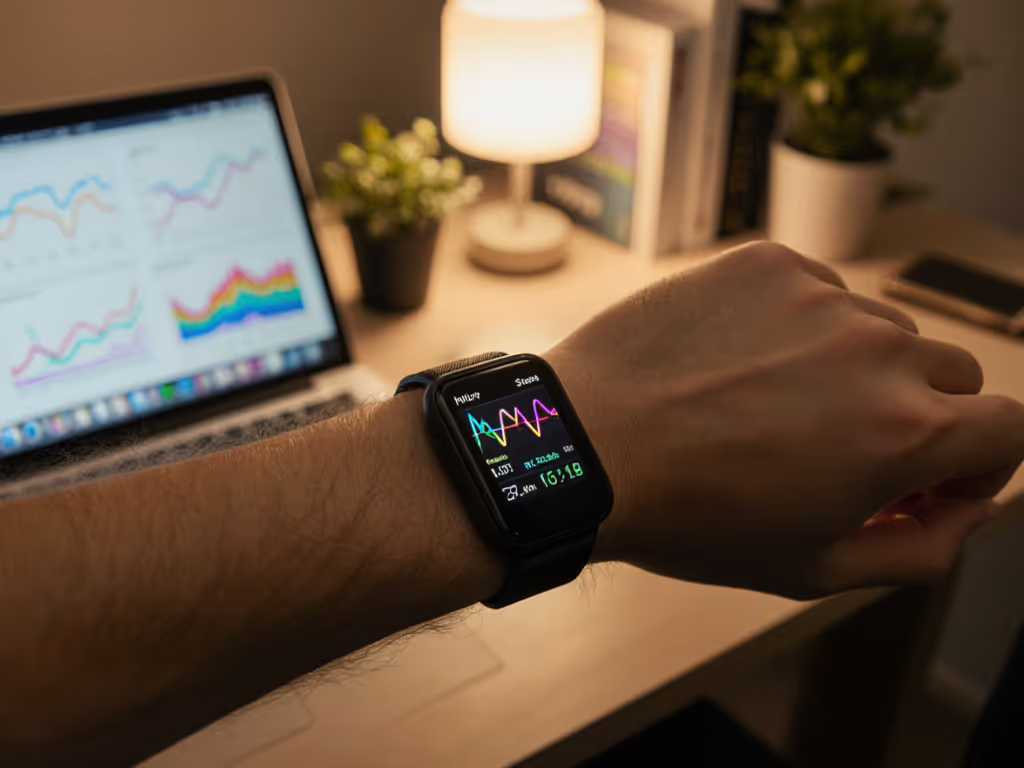
Use manual export: Most trackers allow you to export your data as CSV or PDF. Take a weekly screenshot or export and email it to your PT, or bring it to each session. It's low-tech but transparent, no API mystery, just numbers you both see.
Use a bridge app: Google Fit or Apple Health can aggregate data from some trackers, and some PT software (or shared spreadsheets) can ingest from those platforms. Check compatibility before you buy. To streamline aggregation and reduce app switching, build a unified health dashboard.
Document your methodology: Tell your PT which tracker you use, how it measures HR or steps, and what you know about its accuracy. For example: "I'm using a wrist optical tracker; I know it can drift during high-intensity intervals and may read ±5 bpm from a chest strap." That context helps your PT weigh the data appropriately.
Several rehabilitation scenarios break standard wearables:
Immobilization: If you're in a splint or cast, a wrist tracker won't fit, and ankle trackers may be contraindicated. Some users try bicep bands or clip-ons. Test this with your PT first.
Weakness or tremor: If you have tremor or very light grip strength, a loose band causes sensor lift-off and reads falsely. Tighter bands may cut circulation or cause skin irritation. Test fit across a full day.
Night-shift or variable sleep schedules: Sleep tracking is notoriously inaccurate for shift workers and caregivers. If your schedule varies wildly, sleep scores become noise. Focus on subjective readiness instead. For shift-specific guidance, see our night shift fitness tracking guide.
Skin sensitivities: Nickel, silicone, adhesives, trackers trigger reactions in 5-10% of users. Test on clean, dry skin for at least 3 days before committing.
Don't assume a tracker works for you because it worked in a published study. Instead:
Baseline: Wear the tracker for 1 week alongside a reference (a chest strap, your PT's observation, or manual counting). Document the differences. Did it overestimate steps? Underestimate HR? This is your expected error for your body and activities.
Replicate your PT activities: Test the tracker during your actual rehabilitation exercises, not just steady walking. Does it handle the movements your PT prescribed?
Vary conditions: Test on different days, times, and temperatures. Wrist optical sensors are temperature sensitive; data in a cold car differs from data in a warm PT clinic.
Document and adjust: Keep notes. If the tracker consistently misses certain movements or environments, work around it: maybe you use it for sleep and HR trends, but you ask your PT to count reps manually.
This is unglamorous, but it's the only way to build real confidence. Error bars matter because they separate signal from noise, and in rehabilitation, you can't afford to chase the noise.
You now have a framework for evaluating wearables with a critical eye. Before purchasing or fully relying on a tracker during PT, dig into the validation studies, test it against your own activities, and share your findings with your therapist. The best data is data you understand, and data you trust enough to act on. Consider reaching out to your PT to co-design a measurement protocol, or search for community groups testing trackers on diverse bodies and activities. The more you and others document real-world accuracy, the clearer the true picture becomes.