
Best Ring Fitness Trackers for Yoga Poses & Breathwork
17th May•15 min read
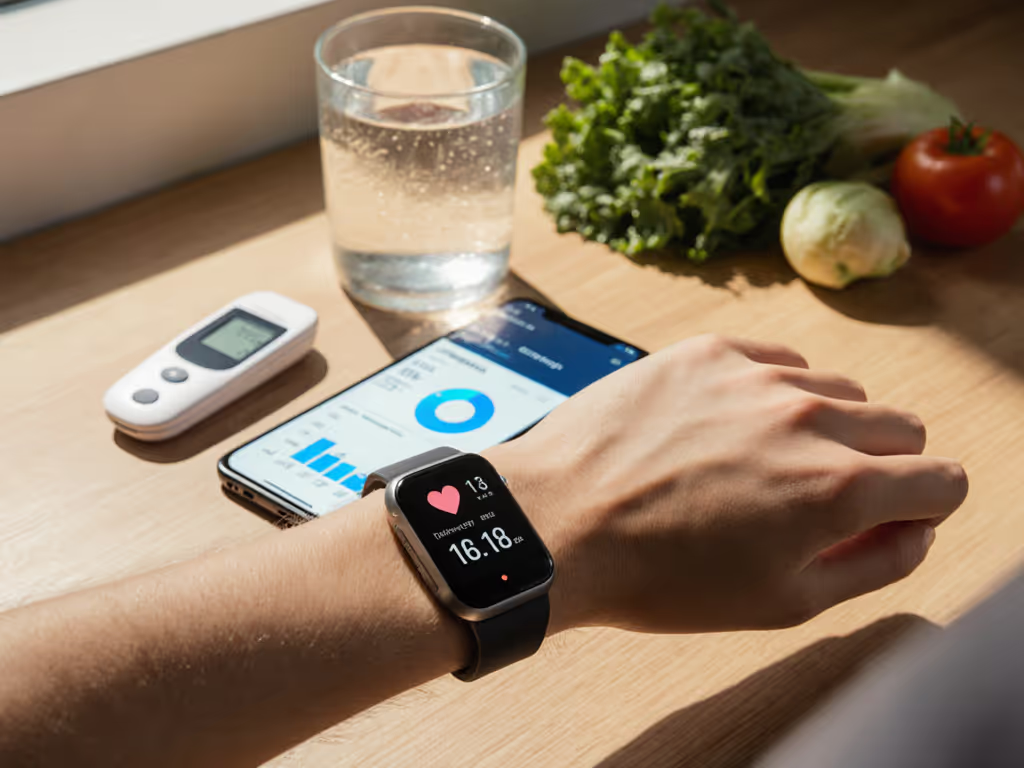
Fitness trackers for type 2 diabetes have evolved beyond step counting into hybrid health devices that sync with continuous glucose monitors (CGMs) and meal logging apps. But the ecosystem is fragmented, and the price of admission, whether through upfront cost, subscriptions, or data terms, is not always transparent. This guide breaks down what you actually need, which devices deliver on accuracy claims, and what happens to your data when you decide to switch. If you're just getting started, see our fitness trackers for diabetes guide for device comfort tips and glucose integration basics.
Traditional fitness trackers and wearable glucose monitors serve different functions, but in type 2 diabetes management, they increasingly overlap. A standard fitness tracker logs steps, heart rate, sleep, and calories burned, metrics that matter because physical activity directly impacts blood sugar levels[5]. A continuous glucose monitor (CGM) does the reverse: it measures glucose trends minute-by-minute, showing how your body responds to meals and movement[1].
The overlap matters. A smartwatch that tracks activity data can be synced to diabetes apps that correlate your workout intensity with glucose response. Your phone can display CGM readings alongside your step count, creating a fuller picture of activity impact on glucose[5]. However, this convenience depends entirely on open data sharing between devices (something that is not guaranteed, and something that dissolves the moment a company changes its API or shuts down a third-party integration).
If you're managing type 2 diabetes, your device's accuracy directly affects your decisions: whether to eat, adjust medication, or increase activity. Accuracy is measured using Mean Absolute Relative Difference (MARD). The lower the percentage, the closer the CGM reading matches a lab blood test.
Dexcom G7 achieves MARD of 8.2% in adults and 8.1% in children, with even tighter performance (7.7%) in ages 2 to 6[1]. It wears for 15.5 days and pairs with smartwatches, though insulin pump compatibility is still expanding (currently working with Tandem Mobi, t:slim X2, and Omnipod 5, with other integrations rolling out gradually)[1].
Abbott FreeStyle Libre 3 Plus delivers comparable accuracy at ~8.2% MARD (studies show it performs nearly identically to G7)[1]. It's the smallest sensor on the market (the size of two stacked pennies), requires no warm-up period, and sends glucose readings every minute via Bluetooth to your phone up to 33 feet away. It works with Tandem, Omnipod 5, iLet Bionic Pancreas, and Twiist automated insulin delivery systems[1].
Dexcom Stelo is the first over-the-counter CGM approved for type 2 diabetes specifically. Built on the G7 platform with around 8 to 9% MARD, it's designed for people not on insulin and doesn't require a prescription[1]. This removes friction for many type 2 users, though it still requires a compatible smartphone and app ecosystem.
None of these differences are trivial, but neither are they massive: all three trackers cluster in the 8 to 9% accuracy band, which is clinically reliable for most users. The real decision hinges on wear duration, smartwatch compatibility, and cost structure, not accuracy alone.
This is where the boundaries blur. A CGM alone doesn't track steps or heart rate; you'll still need a separate fitness tracker or smartwatch for those metrics. The question is whether you buy an integrated device or coordinate two separate ones.
Standalone fitness trackers offer broad activity support: Fitbit Charge 6 tracks 40 different activity profiles with built-in GPS and water resistance to 50 meters[2]. Amazfit Active 2 boasts over 160 sports modes and costs significantly less while offering similar battery life[2]. These devices excel at meal timing alerts and recovery insights but don't directly measure glucose.
CGMs with smartwatch integration: Dexcom G7 and Libre 3 Plus both display readings on compatible smartwatches, merging glucose data with workout metrics. But this integration only works if the watch manufacturer has built in support, and that support can change. To reduce breakages and keep data in one place, build a unified health dashboard across Apple Health, Google Fit, and nutrition apps. I learned this the hard way years ago when a "free" sleep tracking app changed its export policy overnight and locked my two years of sleep data behind a subscription paywall. Support shrugged. That experience made me map every device's data retention policy and deletion pathway. If I can't leave with my data intact, I don't enter[1].
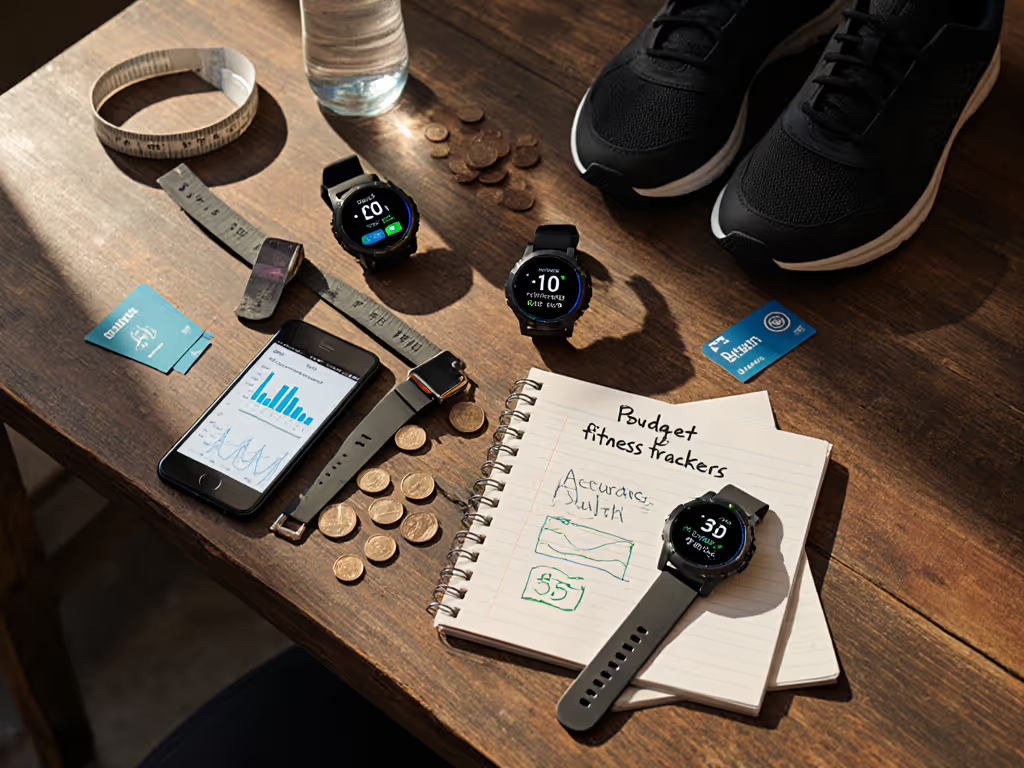
This is where marketing falters and ledger math reveals the truth. Before committing, compare fitness tracker subscriptions to understand true long-term costs.
Dexcom G7 costs approximately $300 to 400 per month (sensor + transmitter + receiver) without insurance, or $35 to 50 per month with typical insurance[1]. Over a year: $420 to 600 out-of-pocket, or $420 to 4,800 total depending on coverage.
Abbott FreeStyle Libre 3 Plus typically runs $250 to 350 per month[1]. Over a year: $300 to 420 out-of-pocket, or $3,000 to 4,200 total.
Dexcom Stelo, as an OTC option, costs around $200 per month[1]. Over a year: $2,400 total, no insurance needed.
Then layer in a fitness tracker: Fitbit Charge 6 ($200 to 250 upfront)[2]; Amazfit Active 2 ($80 to 120 upfront)[2]. Add smartphone app subscriptions if you want advanced analytics or coaching: many diabetes apps charge $10 to 30 per month for premium features[6].
Three-year lifetime cost breakdown:
Renting data is still paying. And if you hit a subscription paywall for export or cloud storage, that math compounds invisibly.
This is the question most reviews skip. When you pair a CGM with a smartwatch and a diabetes app, you're creating a data supply chain: glucose readings → manufacturer cloud → app partner → your phone. Each link in that chain is a point where your data can be sold, shared with third parties, or locked behind a paywall. Learn how insurers use wearable data and what it means for you in our insurance guide.
Dexcom uploads data to its cloud; you can access readings via their app and share with selected devices (Apple Watch, Tandem pumps)[1]. Exporting raw data is harder. If Dexcom changes its privacy terms, as they are entitled to do, you have no contractual guarantee of the same export path.
Abbott FreeStyle Libre 3 Plus syncs locally to your phone via Bluetooth first, then optionally to Abbott's servers[1]. Deleting your data requires explicit action and isn't automatic.
Own your data, or someone else owns your decisions. This isn't hyperbole; it's operational reality. If your CGM provider decides to pivot toward B2B (selling anonymized data to pharma companies, as is industry standard), your individual choice becomes collateral. Most users don't see this until they try to export data for a doctor outside the approved network, and discover it's technically possible but practically cumbersome, requiring manual downloads or third-party app syncing.
Dexcom G7 and Libre 3 Plus both offer moderate portability: they sync to smartwatches and some third-party apps, but they don't natively export to universal health records[1]. Dexcom Stelo, being new and OTC, is even less tested for long-term interoperability.
One more honest gap: most CGM trials enroll predominantly lighter-skinned, non-tattooed patients. Optical sensors in fitness trackers (especially heart rate monitors) notoriously underperform on darker skin tones, particularly during high-intensity intervals[2]. We rigorously tested skin tone accuracy across wearables to help you anticipate and mitigate these gaps. Neither Dexcom nor Abbott has published disaggregated accuracy data by skin tone for their CGMs, a blind spot that mirrors the broader fitness-tech industry.
If you have tattoos, darker skin, or both, budget for an initial calibration period where you might run parallel tests (home glucose meter + CGM) to validate accuracy in your own body. The device might be 8.2% accurate on average, but that average was built on a non-representative sample.
If cost is the primary constraint: Dexcom Stelo + Amazfit Active 2 minimizes upfront friction ($2,400 per year CGM + $100 tracker). Tradeoff: less smartwatch ecosystem, newer platform with fewer integrations.
If you want integration with a pump or multiple devices: Dexcom G7 remains the hub. Higher monthly cost, but broader compatibility across automated insulin delivery systems. Pair with Fitbit Charge 6 for comprehensive health tracking.
If you prioritize data portability and lower cost: Abbott FreeStyle Libre 3 Plus + open-source or third-party app ecosystem. The Libre pairs with major AID systems and increasingly syncs to third-party apps. Smallest physical footprint is also a durability advantage, with less snag risk and longer sensor life expectations.
If sleep and stress tracking matter as much as glucose: Fitbit Sense 2 includes ECG and stress sensors alongside the essentials, though it won't directly measure glucose[2]. Pair with any CGM and lean on third-party apps (Apple Health, Strava) to correlate data.
Fitness trackers for type 2 diabetes aren't plug-and-play; they're a system you're assembling. Choose based on what you can afford, what your provider integrates with, and what you can actually keep, not on specs alone.