Fitness Trackers for Mental Health: Track Mood Patterns
10th May•9 min read
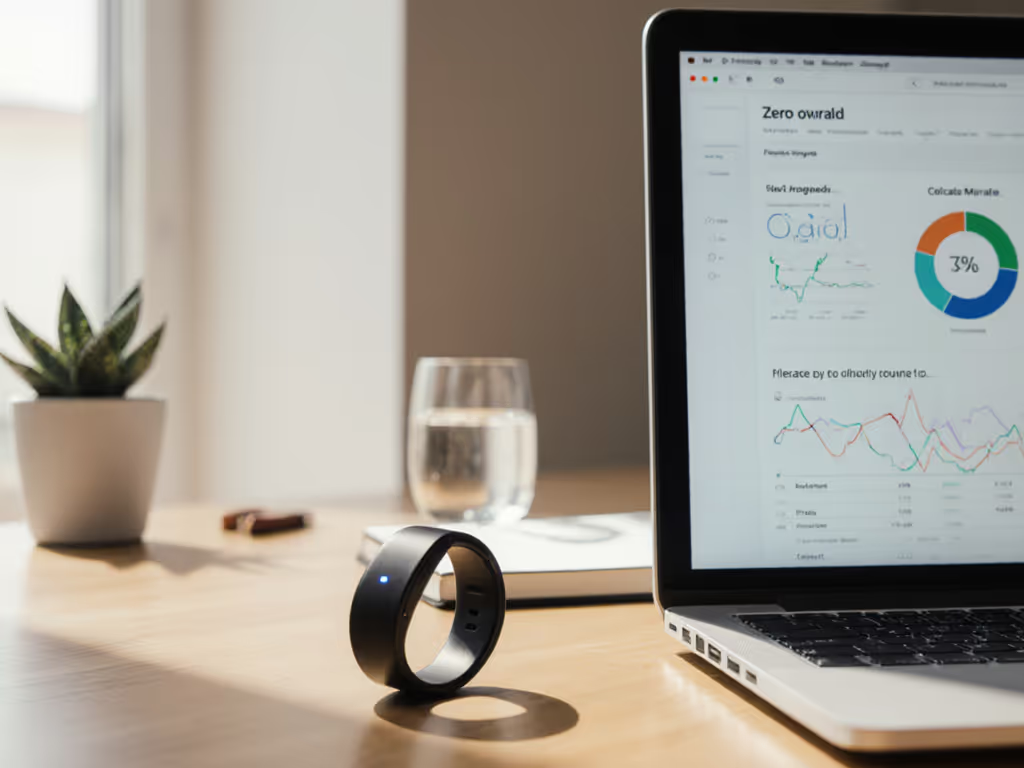
As a first-time wearable user, you're probably drowning in specs before you've even charged your new ring fitness tracker. The real question isn't what features it has, it's what data you'll actually own when the honeymoon period ends. Renting data is still paying. I've seen too many people abandon devices after realizing their sleep stages, heart rate trends, and activity history were locked behind subscription walls or trapped in formats that vanish when you switch ecosystems. Let's cut through the noise with a ledger-style approach to your setup.
Q: Should I enable all tracking features during setup?
Your ring fitness tracker will beg you to enable everything. Resist. The default onboarding path deliberately creates data dependency (you'll feel incomplete without metrics you never needed). If you want a practical way to focus on high-value metrics, see our ring insights without overload.
Start with only these basic health metrics explained in terms the human body understands:
Disable:
During my own setup, I noticed one brand's app immediately requested access to health data, location, and notifications. I denied location permissions (a "smart ring" doesn't need to know my grocery route to track steps). This is where first-time wearable user mistakes begin: granting broad permissions before checking the privacy policy's retention defaults.
Q: How do I avoid hidden costs after the free trial ends?
Check the app's subscription section before pairing your device. Scroll past the "30-day free premium features" banner to find:
A recent user survey found 68% didn't realize their historical data would become read-only after canceling subscriptions. One popular ring fitness tracker requires an active subscription to export any data, not just new entries. That's not a service; it's digital hostage-taking. Get the full breakdown of paywalls and true long-term costs in our fitness tracker subscription guide.
Do this immediately after setup:
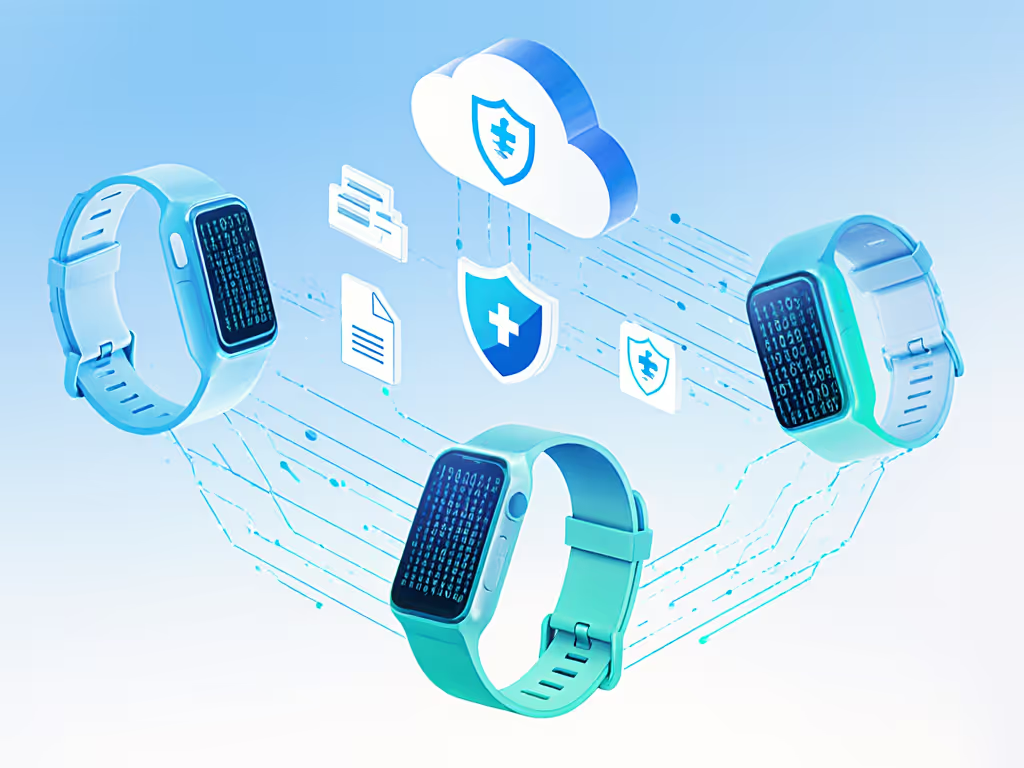
If you can't export in standard formats (CSV, JSON), you're building history on rented land. To centralize and future-proof your data across devices, build a unified health dashboard. My two years of sleep data vanished because I assumed "free account = permanent data access." Never make that mistake again.
Q: How do I set meaningful goals without burnout?
Most apps push arbitrary targets (10,000 steps! 8 hours sleep!). These ignore your actual physiology and schedule. Instead, establish baselines:
The magic happens when metrics align with your reality. A desk worker might prioritize "5 minutes of movement per hour" over steps. A night-shift nurse needs sleep duration goals that flip the 24-hour cycle. Avoiding data overload means rejecting one-size-fits-all targets. Use our step-by-step habit building framework to turn small metrics into consistent progress.
Q: How do I ensure I can leave with my data intact?
Before finalizing your purchase, verify these exit-plan checklist items:
| Checkpoint | What to Look For | Risk if Missing |
|---|---|---|
| Export Format | Standard CSV/JSON files | Data unusable in other apps |
| Retention Period | "Data deleted within 30 days of request" | Permanent shadow profile |
| Manual Export | Option without subscription | Locked history if you cancel |
| Deletion Path | Self-service portal (not "email support") | Indefinite storage |
I once mapped retention policies across 12 devices. Only 3 allowed full deletion without contacting support. One required video ID verification to export data (a massive barrier for privacy-sensitive users). Verify these before you enter your payment details. Also understand how sharing data can affect premiums with our fitness data and insurance guide.
Your immediate action isn't about wearing the ring, it's about securing your data sovereignty. Before you slide that tracker on your finger:
Real value isn't in the shiny metrics, it's in knowing your data won't vanish when you decide to move on. Ownership and exit options define real value. A ring fitness tracker should adapt to your body and your autonomy, not the other way around.
Stop optimizing for features that exploit your biology. Start optimizing for systems that respect your right to leave. Your future self will thank you when you need that sleep data for a medical consultation, or when you're ready to try a better device.