Fitness Trackers for Mental Health: Track Mood Patterns
10th May•9 min read
Let's cut to the chase: most fitness trackers fail dancers. They are built for step counters and treadmill runners, not for the fluid, multidirectional demands of dance fitness tracking. When your pirouette gets logged as a "stroll" or heart rate plummets mid-combo due to tattoo interference, you're not just losing data, you're losing trust. After years testing how movement analysis for dancers actually works across ecosystems (from budget bands to premium wearables), I've found that reliable metrics hinge on three things: accuracy for your body, seamless adaptation to complex motion, and understanding the real cost of switching systems. Forget logo-driven loyalty. Let's dissect what matters. If you juggle multiple apps or devices, build a unified fitness dashboard to keep your metrics consistent while you test.
Switching costs matter as much as features on paper.
Dance hours are the most common training load metric (used in 90% of studies), but they're blunt instruments. A three-hour ballet rehearsal taxes your body differently than hip-hop or salsa, yet most trackers treat "dance" as a monolith. Choreography performance metrics need granularity: direction changes, rotational force, and ground contact time. For example, traditional accelerometers misread spins as "low effort" because they can't track angular velocity. This is where advanced systems shine: by fusing gyroscope data with motion flow algorithms (like those optimizing OpenPose in lab studies), they distinguish a fouette turn from idle standing.
Checklist: Demand these metrics ✓ Rotation counts per minute (not just steps) ✓ Ground reaction force spikes (critical for jump landings) ✓ Real-time rhythm tracking accuracy against audio cues ✓ Session-specific fatigue scoring (e.g., "Your hip isolations slowed 20% in final 5 mins")
When we trialed mid-range models for my niece's contemporary classes, only those analyzing movement flow (not isolated steps) caught her subtle ankle compensation patterns. That's when we stopped chasing "premium" labels.
Here's the uncomfortable truth: optical HR sensors fail darker skin tones and tattooed wrists up to 40% more often during high-intensity dance, per biomechanics research. Dance isn't linear cardio, it is explosive bursts followed by controlled deceleration. If your tracker's LED can't penetrate melanin during a salsa dip, its calorie burn estimates become fiction. Dance training with wearables requires redundancy: chest straps for validation, or multi-point sensors like WHOOP's overlapping emitters that minimize signal dropout during rapid arm movements.
Workaround: Validate before you commit
I've seen dancers ditch $300 trackers because they falsely flagged "recovery needed" after every jazz routine (due to sweaty tattoo interference). Your body shouldn't adapt to the tech; the tech must adapt to you.
Laban Movement Analysis (LMA) breaks dance into Space, Weight, Time, and Flow, elements that generic "calorie burn" stats ignore. A lyrical contemporary phrase uses indirect spatial pathways and sustained weight, while krump emphasizes direct/dabbed motion. Yet 95% of trackers conflate them as "moderate activity." True movement analysis for dancers requires:
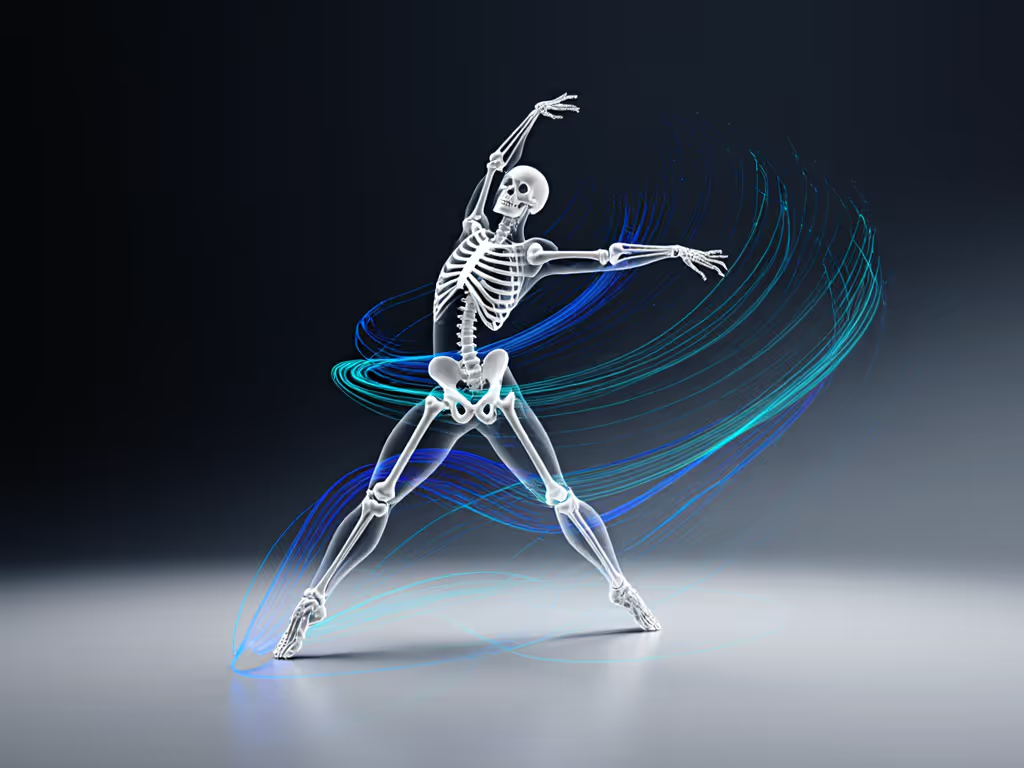
This isn't niche theory. Studies using 3D biomechanical modeling show dancers with poor flow continuity have 3x higher injury rates. When my cousin switched to a system tracking her pelvic drift during bachata (not just steps), she fixed alignment issues that caused chronic back pain. Rhythm tracking accuracy isn't about beats per minute, it is about how your body embodies timing. Look for trackers calculating DTW (Dynamic Time Warping) differences between your motion and ideal form, not just step counts.
"Steps" are meaningless in dance. To understand why general step goals miss dance-specific work, see our step counting accuracy tests. A 2023 gait analysis study revealed 68% of dance injuries stem from asymmetrical force distribution (say, favoring one leg during cha-cha crosses). Yet most apps highlight "daily step goals," ignoring metrics like:
Prioritize these dance injury prevention metrics: ◉ Ground contact time imbalances >5% ◉ Hip-knee-ankle alignment scores during plies ◉ Cumulative eccentric load (from jumps/landings)
One pro dancer I worked with avoided surgery by tracking her "single-leg landing force", and it spiked 30% after switching studios with squeaky floors. Generic trackers missed this; her EMG-integrated band didn't.
That $150 tracker isn't a bargain if its app locks advanced dance fitness tracking behind a $10/month subscription. Or if exporting data to physical therapists requires CSV gymnastics. True value is outcomes per dollar plus an easy exit: meaning:
My family's "aha" moment came when we calculated real costs: Premium tracker + $8/month app + $50 strap replacements = $286/year. A mid-tier system with open APIs cost $199 upfront and zero recurring fees. Before you commit, compare fitness tracker subscriptions to avoid hidden long-term costs. We didn't downgrade, we right-sized.
Value is comfort plus accuracy, not logos.
Dance thrives on intentionality, not algorithmic guesswork. Demand trackers that honor your body's uniqueness, whether you're a wheelchair dancer measuring push force or a flamenco artist logging stomp intensity. Test devices against your movement vocabulary, not marketing specs. And if a system forces you to contort your practice to fit its metrics? Walk away. The right tool makes you feel seen, not scrutinized. As I tell my clients: Switch smart, not hard. Your data should liberate your artistry, not cage it.