How Fitness Ring ECG Actually Works: A Reality Check
28th Apr•9 min read
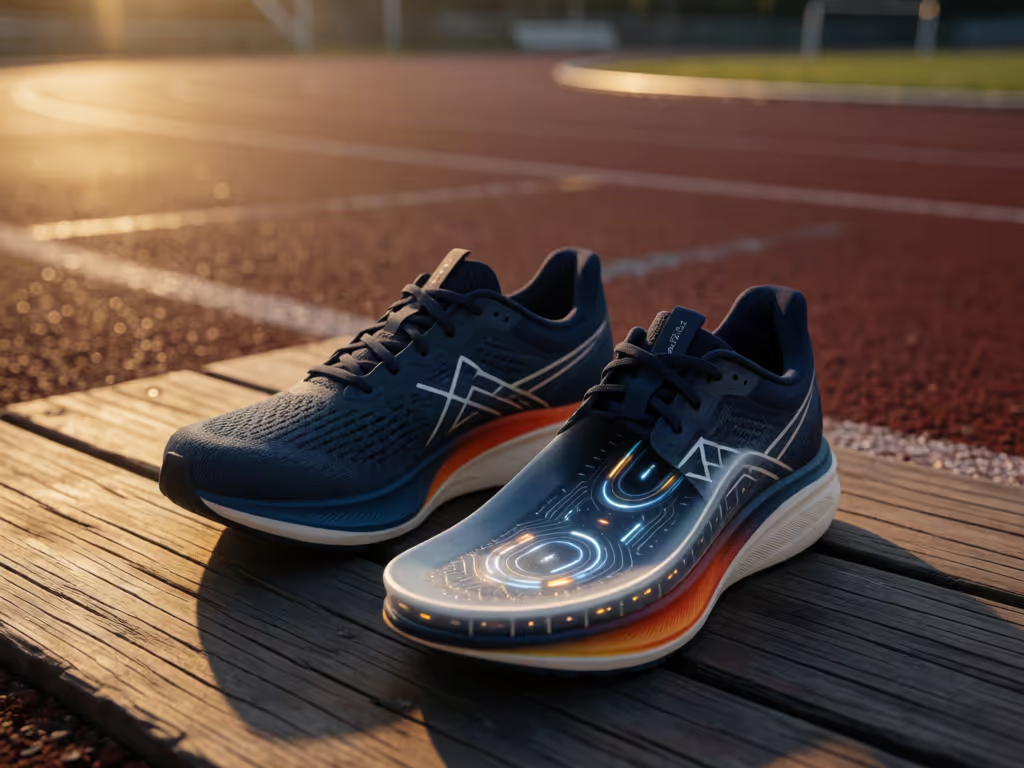
Smart insoles commonly use pressure sensors, with accelerometers and gyroscopes also widely used, but no device here earns the label of definitive running-form diagnosis. The strongest running-specific evidence is for one shoe-mounted system tested on a treadmill—not smart insoles as a whole.
Important: Treat pronation and footstrike outputs as observations to discuss with a qualified clinician or coach when pain or technique changes are involved—not as diagnoses or prescriptions.
A running form tracker should do more than turn a run into a colorful scorecard. The appeal of smart insoles for running is straightforward: they sit at the point where your foot meets the shoe, so they can capture information that a wrist device cannot measure directly. But "tracks your form" is a higher bar than "collects lots of data." The useful question is whether the device can show a repeatable pattern, in your real shoes and on your usual routes, that helps you ask a better question, not whether it can diagnose your gait or promise injury prevention.
Pay for outcomes, not logos: a form metric is valuable only when you can understand it, repeat it, and use it without second-guessing your body.
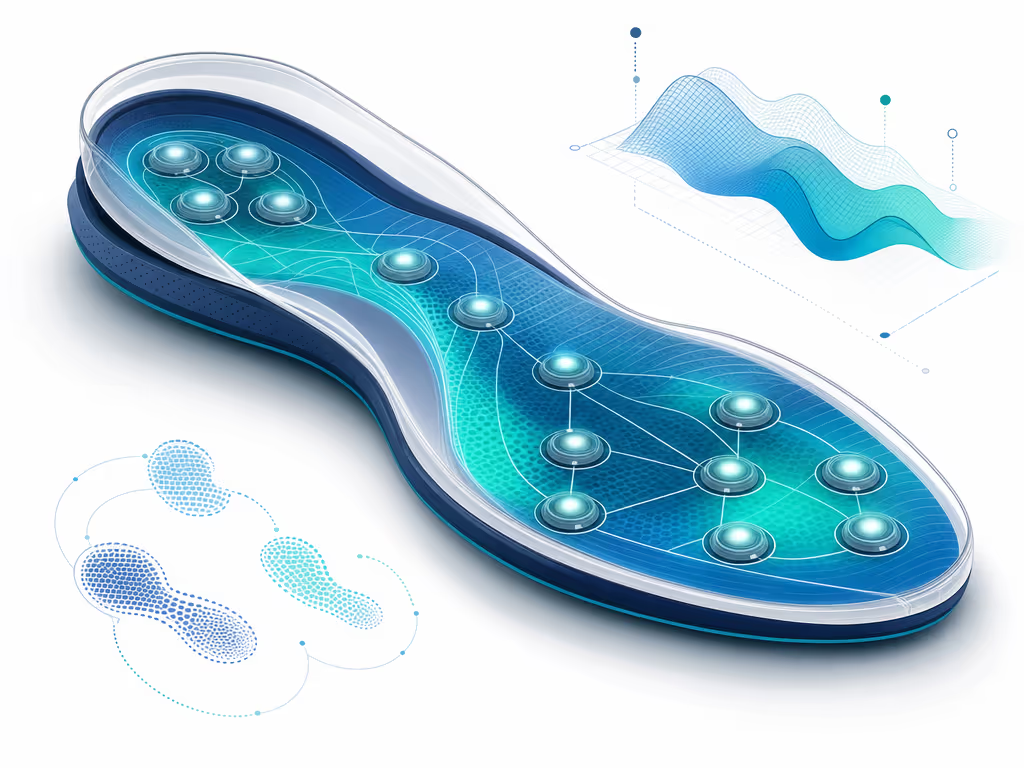
Smart insoles are sensor-equipped inserts designed to collect gait-related data and deliver feedback. A 2024 systematic review of insole-sensor technology found that pressure sensors are the most common approach, with accelerometers and gyroscopes also widely used. Across research and practical applications, these systems have been used for gait analysis, posture-related work, and real-time athletic or rehabilitation feedback.
For runners, the key distinction is where the data originates:
That makes in-shoe sensing a potentially useful category of gait analysis wearables. Evidence for its outputs varies by system and testing conditions.
A common mistake is to assume a watch only tracks pace and heart rate while an insole handles all form data. The reality is more nuanced.
A wrist-based running watch can calculate several running-dynamics metrics from its accelerometer. Garmin, for example, documents wrist-derived cadence, stride length, vertical oscillation, vertical ratio, and ground-contact time on its Forerunner 965. Its cadence definition is simply total right- and left-foot steps per minute; that is cadence tracking, not a direct measurement of force or pressure under either foot.
An insole or shoe-mounted sensor works from closer to the landing event. That can make it a better match when your question is foot-specific: "Did my footstrike classification change between the track and the treadmill?" or "Does one shoe setup produce different readings?"
Neither location wins every question:
| If you want to examine… | The more relevant signal is often… |
|---|---|
| Steps per minute or broad run-to-run trends | Wrist-derived cadence can be sufficient |
| Torso movement, such as vertical oscillation | A wrist watch or torso-motion accessory |
| Footstrike data | A system designed to collect it at foot level |
| Footstrike classification | A shoe-mounted or in-shoe system designed for that purpose |
| Left/right ground-contact-time balance | A compatible running-dynamics accessory, where supported |
Garmin also states that viewing all of its running-form metrics requires a compatible accessory that measures torso movement; ground-contact-time balance is accessory-only. In other words, compare sensors by the decision you want to make, not by a generic "form tracking" label.
Footstrike monitoring is one of the most tempting features because it gives a simple label: rearfoot, midfoot, or forefoot. Simple labels can be useful for spotting a change over time. They should not be treated as a complete description of your technique.
In a treadmill validation study, RunScribe Plus sensors were mounted in lace cradles on both of 20 collegiate cross-country runners' usual training shoes. Across 800 steps at two standardized speeds, the system's footstrike classifications correlated with motion-capture footstrike angle, and its overall classification accuracy was 78% against the study's categories.
That is encouraging evidence for that specific sensor system under those conditions. It is not perfect classification: accuracy differed substantially by category, including 55.3% for midfoot and 95.4% for forefoot. The study authors also cautioned that laboratory treadmill results could not yet be extrapolated to outdoor running.
Practical takeaway: if a tracker says your strike category changed on one run, don't immediately rebuild your technique around it. Look for a repeated shift across comparable runs, then consider what else changed: pace, fatigue, terrain, shoe, or lacing.
Foot-level sensors do not measure your body in a vacuum. They measure an interaction among your foot, sock, shoe, surface, and sensor placement.
A published product test of an earlier smart-insole system found that its footstrike and pronation readings varied with running surface, footwear, and lace tightness. That is not a controlled validation study, but it is exactly the kind of real-world caution that prevents bad conclusions.
Use this short consistency checklist when collecting data:
This is where a little discipline beats a premium-looking dashboard. My own household has lived through the opposite approach (three tracking ecosystems, endless complaints, and morning routines made harder than they needed to be). The fix was mapping the few metrics that actually mattered and removing the rest of the noise. Switching costs matter as much as features on paper.
A smart-insole study involving 25 healthy adults measured cadence, step time, stride time, swing phase, and stance phase. But it was a walking study, not a running validation. It supports the idea that sensor insoles can capture selected gait timing measures; it does not prove that all smart insoles are accurate during running.
The same restraint applies to running metrics from any wearable. A lower ground-contact time, a higher cadence, or a different footstrike is not automatically "better." There is no universal ideal cadence, pronation amount, footstrike, or ground-contact-time target established by the evidence here.
A better use of the numbers is scenario-based: For a more structured approach to turning tracker data into progress, see this guide to fitness tracker training.
Pronation-style scores can sound authoritative because they appear to translate a complex movement into one clean metric. Yet the available evidence does not directly validate smart-insole pronation classifications against a laboratory reference during running.
More importantly, sensor metrics should not be treated as injury predictions without qualified clinical or coaching context. The available evidence does not establish that changing form in response to a wearable's recommendations prevents injury or improves performance.
That does not make injury prevention data useful for diagnosis or prescription. For more context on using recovery and readiness signals to avoid overtraining, see our guide to decoding recovery metrics. Form data cannot supply a diagnosis, predict your injury risk, or prescribe the right correction on its own.
Smart insoles make sense when foot-level questions are central to your training and you are willing to standardize the setup. They are less compelling if you mainly want broad pace, distance, and cadence trends, or if adding, charging, pairing, and maintaining another device means you will stop using it.
Before committing to any form-tracking system, ask:
The best running form tracker is not the one with the longest metric list. It is the one that gives you a stable signal, avoids false certainty, and fits your running life without creating a new source of anxiety.
They can collect gait-related signals, especially pressure and timing data, but the evidence in hand is narrower than many marketing claims. One recent smart-insole validation study measured walking parameters, not running. Running-specific validation is stronger for one shoe-mounted sensor system in treadmill conditions, not for smart insoles as a category. Treat outputs as useful observations to compare over time, not definitive form diagnoses.
They are inserts with embedded sensors, most commonly pressure sensors, sometimes combined with accelerometers and gyroscopes, that collect foot and gait information. Across the research reviewed, smart-insoles have been used for gait analysis, posture-related work, and real-time athletic or rehabilitation feedback.
Choose one question for your next two or three comparable runs: perhaps whether your cadence changes late in an easy run, or whether a surface change produces a repeatable footstrike shift. Keep the shoe and lacing routine the same, record how the run felt, and ignore any metric that cannot answer that question. That is how form data becomes useful: less gadget theater, more evidence you can act on.