
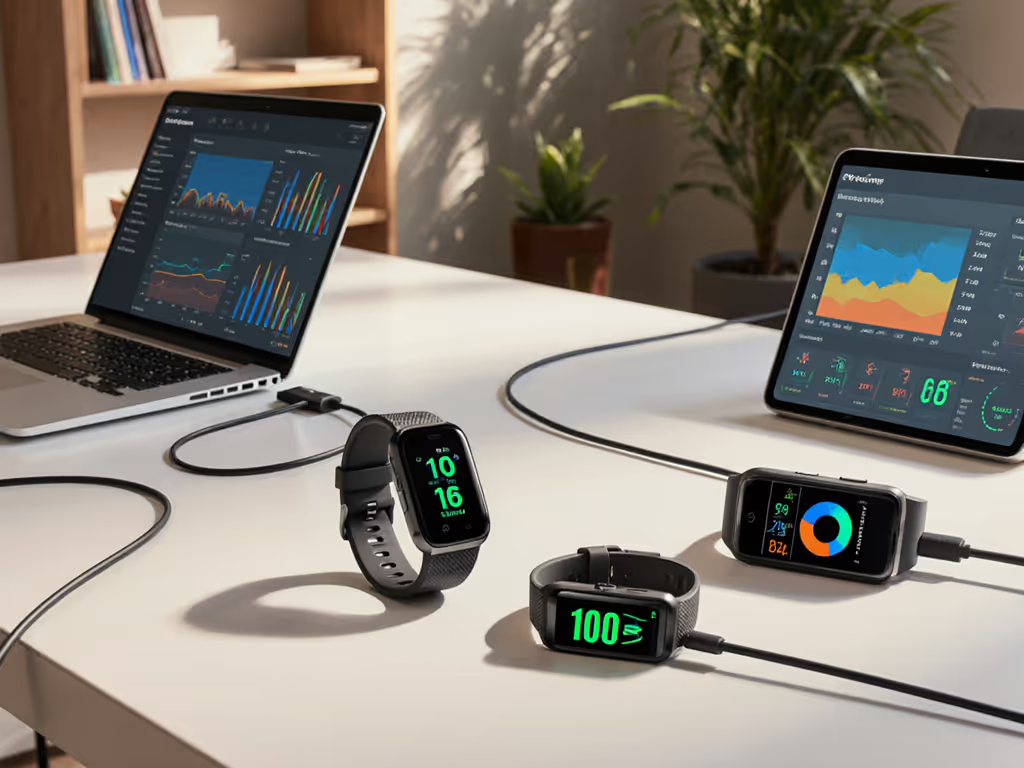
Seamless Fitness Tracker Data Migration Guide
15th Dec•5 min read
You can improve fitness-tracker data privacy by auditing permissions, checking cloud syncing, exporting your history, and handling revocation and deletion as separate actions. These controls give you practical leverage, but they do not establish legal ownership or guarantee that every existing copy will disappear.
Important: Apple Health and Google Health Connect illustrate available controls, not universal behavior across trackers or apps.
Fitness tracker data privacy is not just about keeping a step count private. It is about controlling a connected record of routines, locations, sleep patterns, heart-rate readings, and the apps that can reuse them. And while health data ownership is often the phrase people reach for, the more practical question is: What can you see, export, limit, revoke, and delete today? The legal answer to ownership varies by context and is not settled by the controls in a tracker app. Your day-to-day leverage, however, is measurable.
Confidence, not certainty: treat privacy controls as settings to verify, not promises to assume.
The answer depends on the device, features you enable, and the permissions you grant. Common personal fitness information can include:
That combination can be highly revealing even when a single field seems harmless. A route may expose where you live or work. Under NIST's broad framework, health-related information, biometric records, geographical indicators, activities, and other data linked or linkable to a person can qualify as personally identifiable information.

This is also why data quality and privacy meet in the middle. Raw history is useful when you need to inspect a pattern rather than blindly accept a summary score. Keeping an exportable record lets you review the information available to you. Show me the error bars, then we can talk features.
Not automatically. Health-related data is sensitive, but sensitivity and legal coverage are different questions.
In the United States, HHS says HIPAA does not protect information you voluntarily download or enter into a mobile app merely because it is health information, when that app is not developed or offered by or on behalf of a HIPAA-regulated entity. Other laws may still apply, but do not choose a tracker on the assumption that every consumer fitness app has HIPAA protections.
There is some additional regulatory context: the FTC has said that health apps and connected devices collecting or using consumer health information may need to comply with the Health Breach Notification Rule when that rule applies. That is important, but it is not a blanket privacy guarantee, a statement of HIPAA coverage, or a substitute for reading the app's current policy.
Use a plain-language risk inventory:
This approach follows a sensible data-minimization principle: collect and retain only what is necessary for the purpose you actually want.
A useful control system has four separate levers: permissions, syncing, export, and deletion. They are not interchangeable.
On Apple Health, third-party apps must request permission to read or write Health data and explain why they want access. You can review and change those data-sharing choices. Apple also says third-party apps must have a privacy policy describing their use of Health data.
On supported Android devices using Health Connect, you select the apps you want to sync and choose the data permissions they receive. Health Connect stores its data locally on the device and lets you control the apps and data types involved.
That supports cross-platform fitness data integration without requiring an all-or-nothing handover. A running app may need workout data but not sleep data; a nutrition app may not need your location history. Grant the smallest useful category set, then revisit it after you have used the app for a week or two.
A platform hub and a tracker maker's app can follow different storage rules. For example, Apple says that if iCloud is enabled, Health data is backed up by default, though you can turn that backup off. That statement applies to Apple Health; it does not tell you how a separate tracker app stores its own records.
The practical test is simple: look separately at platform backup settings and the tracker app's account, backup, and privacy settings. When comparing services, also assess the fitness tracker app experience, including how clearly it presents permissions, sharing options, and stored data. Do not let a "local" label for one part of your setup stand in for the whole data path.
Good data export methods give you a personal archive and make it easier to compare systems without losing years of context. Apple Health allows an export of the health and fitness data available on your device in XML format.
Before replacing a tracker, disconnecting an app, or requesting account deletion:
An export is a copy, not proof that every service has removed its copy. That distinction matters for historical health data transfer: keep your original archive while you evaluate a move.
Revoking a permission generally stops future access through that permission. It may not erase data another app already received.
Apple offers a clear example. Stopping Apple Health sharing with another person removes previously shared historical data from that recipient's Health app, but copies created outside that app are a separate matter. With healthcare organizations, Apple notes that information shared before access was withdrawn may remain in the provider's records.
Google makes a similarly important distinction for Health Connect: a connected app's service can continue to retain a copy of data it shared with Health Connect. Also, once permission is granted, a connected app can access the preceding 30 days of Health Connect data and new data written afterward. Health records are an exception: an authorized app can access all medical historical data.
Deleting an app is not the same as revoking permissions or deleting the data. Apple specifically states that removing the Health app does not itself delete Health data or end sharing already granted. Treat every action by its narrow function.
Use this replicable checklist twice a year and whenever you connect a new service.
Minute 1-2: List your data pathways. Write down the tracker app, phone health hub, workout/social apps, and any person or organization you share with.
Minute 3-4: Check category-level access. For each connected app, identify which data it can read and write. Remove categories that do not support a clear use case.
Minute 5: Review location. If route or location features are not central to your goal, limit them where the app allows.
Minute 6-7: Check sharing and backup. Look for person-to-person sharing, healthcare connections, and cloud backup or sync settings.
Minute 8: Export what matters. Create a current archive if your platform offers it. Confirm the file is usable rather than assuming a download equals a readable record.
Minute 9: Read the deletion path. Find the service's account-deletion instructions before you need them. Note whether it explains treatment of backups or data held by connected services; do not assume those copies disappear together.
Minute 10: Record the result. A short note (date, permissions kept, permissions removed, export location) turns a vague concern into an auditable baseline.
The main concerns are the sensitivity of combined fitness and location data, broad permissions, historical data that may be available to a newly connected app, and copies that can persist after you revoke access. The exact risk depends on your device, enabled features, platform, and connected services.
Sometimes, but the transfer may be incomplete. Apple Health can export available device data as XML. Health Connect supports app connections and permission-controlled access, but there is no confirmed matching user-facing export format. Check what the destination app can import before you move, and keep your own archive first.
Usually, you should not assume so. Revocation can stop future access, while a recipient or connected service may retain data already received. Review that service's current retention and deletion information for its specific policy.
Consumer-facing platform controls show that you may be able to access, export, share, restrict, or delete some data, but fitness tracker data and insurance raise additional questions about who may receive and use your health information. They do not settle legal ownership of all health or fitness data. For a purchasing decision, focus on practical control: can you limit collection, see recipients, export your history, and understand what happens when you disconnect or delete?
Before you buy, switch, or reconnect a tracker, run the 10-minute audit on the system you already use. Then ask one decision-grade question of any new app: Can I limit categories, export my history, and understand the difference between revoking access and deleting stored copies?
That is a better standard than a vague "private" label. Privacy settings, export options, and connected-app behavior can change by software version, region, and service, so verify the current controls in the app itself. The goal is not perfect certainty; it is a setup where your data follows your priorities (and where you can prove what you changed).