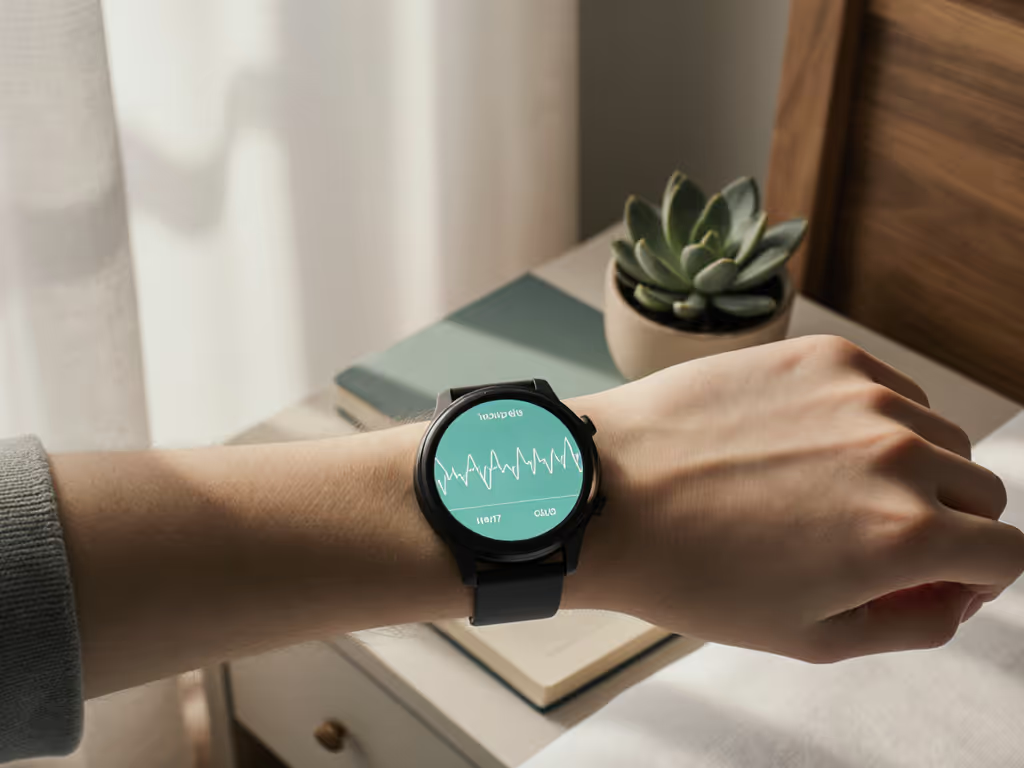
Fitness Trackers for Mental Health: Track Mood Patterns
10th May•9 min read

Use wearable footstrike and gait data to spot repeatable changes—not to diagnose overpronation, predict injury, or force a “perfect” stride.
Important: Gait retraining may help selected runners reduce biomechanical loading, but a small study measured loading outcomes—not injury prevention—and does not establish a universal footstrike or pronation-correction plan.
A footstrike analysis wearable can turn an ordinary run into a stream of form data, while running pronation tracking can make it feel as though your watch or footpod has spotted the one thing you need to fix. That is an understandable hope, especially if you have dealt with a niggle, a disrupted training block, or a dashboard full of numbers that do not explain what to do next. The useful role of wearable gait data is more modest and, in practice, more sustainable: it can help you notice change, ask better questions, and make training decisions with more context.
Small, repeatable wins beat flashy charts and streaks.
Wearable gait tools may report outcomes such as ground contact time, stride length, stride frequency, and tibial acceleration. For a wider look at device designs, see this fitness tracker form factors guide. Some devices also offer footstrike type, pronation, pronation velocity, impact measures, braking measures, and left/right symmetry. These outputs can be genuinely interesting, particularly when you want to understand how your running changes across pace, hills, shoes, or fatigue. Runners weighing these metrics alongside broader training features may also benefit from this runner-focused metrics comparison, which puts device data in a wider performance context.
The trouble begins when a label turns into a diagnosis in your mind:
None of those conclusions follows from one reading. Running-related injury risk involves far more than biomechanics: health, conditioning, environment, training habits, experience, and behaviour all matter. A single dashboard metric cannot provide a complete injury-risk score.
This is not a reason to abandon the data. It is a reason to give it a calmer job description.
Wearables for running gait are a serious area of study. A systematic review covering 131 articles found that wearable tools were generally valid and reliable compared with reference standards. Yet the same review called for more consensus on terminology, validation protocols, device reliability, and which gait outcomes are suitable for particular uses.
That nuance matters. "Generally valid and reliable" does not mean every number from every device is interchangeable with a laboratory measurement, or that it has a universal safe range. Much of the underlying research involved young adult recreational runners in indoor, often treadmill-based settings. Results from outdoor routes, fatigue states, terrain, pace, footwear, and device-specific algorithms should not be assumed to match those study contexts.
Pronation is often described as the degree of arch collapse on impact. It is also a natural foot movement, not automatically a flaw to stabilize or eliminate. A wearable can report a pronation-related value, but the available evidence does not establish a consumer threshold that defines "overpronation," predicts injury, or tells you which shoe to buy.
So it is not helpful to use running pronation tracking as an order to force your foot into a new position. Nor is there support here for choosing a stability, motion-control, neutral, or midfoot-specific shoe solely because of one wearable result. Comfort and a natural running feel are more practical starting points than an algorithmic label.
Asymmetry metrics can be useful for comparison, but "more symmetrical" is not automatically "better." There are no universal normal or injury-predictive thresholds for left/right gait asymmetry in the evidence available here. Trying to correct every small difference can make an easy run feel like a test you are failing.
The same applies to footstrike. A device may classify footstrike type, but that does not establish that rearfoot, midfoot, or forefoot striking is the universally safer choice. A deliberate switch is not a quick fix to attempt because of a single chart: the available evidence does not establish injury prevention from a rearfoot-to-midfoot or forefoot transition, or a safe universal progression for one.
A lower-pressure approach is to use gait data for comparison, not correction. Your aim is not to create an idealized stride. It is to see whether your familiar running pattern changes meaningfully under similar conditions, and then place that observation alongside how the run felt and what changed in your training.
Do not turn on every metric and hope clarity emerges. Pick one practical question, such as:
One question lowers cognitive load and makes it easier to spot a pattern worth noticing. Make it doable daily, or more realistically for most runners, doable on the runs you already take.
For a few runs, keep the comparison conditions as steady as your life allows: a familiar route or surface, a similar easy effort, and the same wearable. Then look at the group of runs rather than one standout session.
A practical note in your training log can add the context a sensor cannot see:
| After the run, note | Why it helps |
|---|---|
| Route and surface | Hills, trail, and road can change the demands of a run. |
| Effort and pace | Compare metrics within similar run contexts rather than assuming results from easy, fast, or downhill runs are interchangeable. |
| Footwear | Lets you observe change without assuming a shoe is the cause. |
| How the run felt | Keeps body feedback beside device feedback. |
| Training changes | Adds context when volume, intensity, or routine shifts. |
This turns a stream of data into a usable record. It also respects the reality that a caregiver, commuter, or shift worker may not have perfectly repeatable runs. The goal is enough consistency to compare, not a laboratory experiment.
A sustained shift across comparable runs can be a reason to pause and review recent changes: different terrain, a harder block, new shoes, disrupted sleep, or simply a new route. Recovery signals can add another layer to that review, so learning how to interpret recovery metrics for training decisions may help you distinguish a meaningful pattern from a single difficult run. It can also be a good topic to bring to a qualified running or gait professional, who can consider the full picture rather than a number in isolation.
Do not respond by trying to erase pronation, force a new footstrike, or make both sides match exactly. The stronger approach to runner injury prevention is individualized, supported, and multifactorial.
The word "retraining" can sound like an urgent makeover. Evidence supports a much gentler interpretation: a specific change, introduced progressively, for a specific reason and with feedback.
In one small study, 19 injury-free rearfoot-striking runners selected for high tibial shock completed eight treadmill sessions with real-time feedback. The sessions progressed from 15 to 30 minutes, and feedback was gradually removed during the final four sessions. The study reported reduced loading measures that remained lower at follow-up.
That is encouraging for the study group, but it does not prove that consumer wearable metrics prevent injuries. It also does not create a universal plan for changing pronation or switching from rearfoot to midfoot or forefoot striking. The study measured biomechanical outcomes, not injury incidence.
If you explore gait retraining plans, borrow the useful principle rather than copying the protocol: make one supported adjustment at a time, progress gently, and allow the feedback to fade instead of becoming dependent on constant alerts. A nurse who worked rotating nights once described a tracker that scolded her on every shift; fewer badges and one calm cue made the tool usable again. Running data deserves the same flexibility.
A wearable cannot overrule how you feel. The American Orthopaedic Society for Sports Medicine lists pain or discomfort while running, pain at rest, limping, stiffness, inability to sleep, unusually easy shortness of breath, headache, dizziness, and lightheadedness among signs to alter or stop running. When those signals are present, stop treating gait metrics as the main puzzle and seek prompt medical assessment.
This is not a failure of your training plan or your device. If you are returning from an injury or surgery, a broader fitness tracker rehabilitation guide can help place movement data within a safer recovery process rather than treating gait numbers as a stand-alone clearance. It is simply a reminder that data should support attention, not replace it.
A wearable may report footstrike type, and sensor-based gait tools can capture running outcomes. But the available evidence does not provide a validated at-home procedure or a universal interpretation rule. Use the label as a descriptive data point and compare it across similar runs rather than treating it as a pass/fail result.
A pronation value can describe a movement pattern, but there is no established wearable threshold here for diagnosing "overpronation." Because pronation is not always something that needs correcting, avoid self-diagnosis from one run or one metric.
There is no evidence-based "best" shoe category in the material available here. Do not select shoes solely from a wearable footstrike result. A shoe that feels natural and comfortable when running is a more grounded starting point.
On your next two or three familiar easy runs, choose one gait metric to observe. Record the route, effort, shoes, and a short note on how you felt. Then look for a repeated change, not a perfect number.
That is the most practical way to use a footstrike analysis wearable: less self-surveillance, more useful context. Consistency beats intensity when the device fits your life.