Fitness Tracker Calorie Accuracy: What The Numbers Really Mean
25th Sep•9 min read
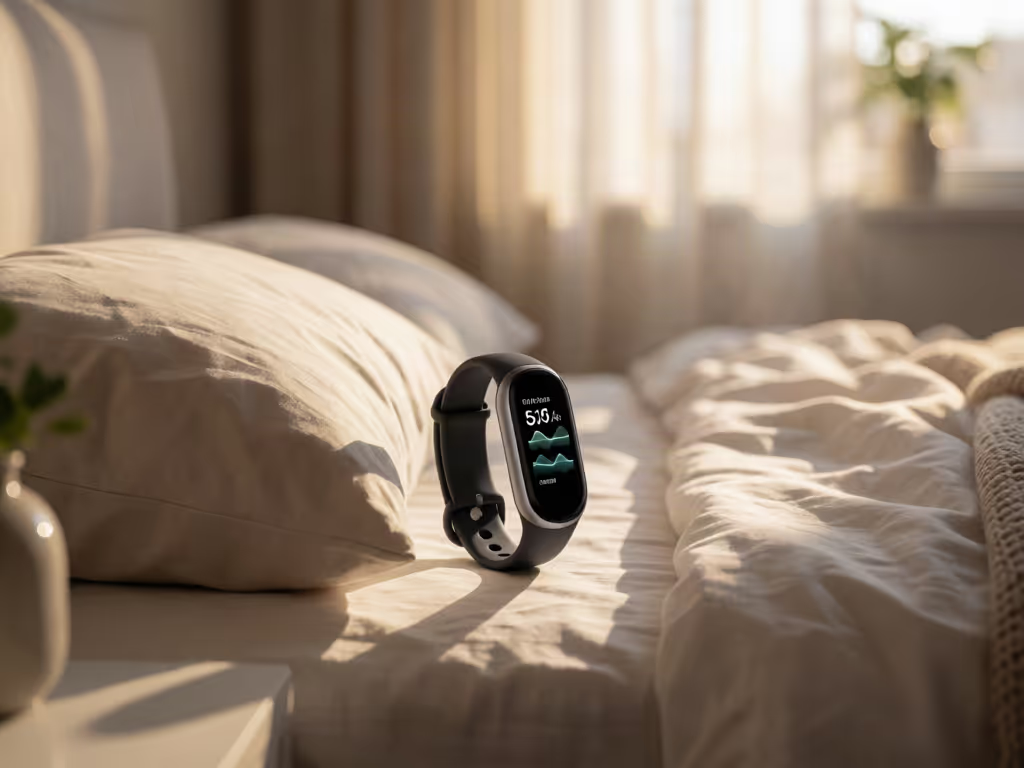
Fitness trackers can help you follow a personal sleep respiratory-rate trend, but they estimate breathing indirectly and do not have one universal accuracy figure. Use repeated, comparable nights to build context rather than treating a single reading as a verdict.
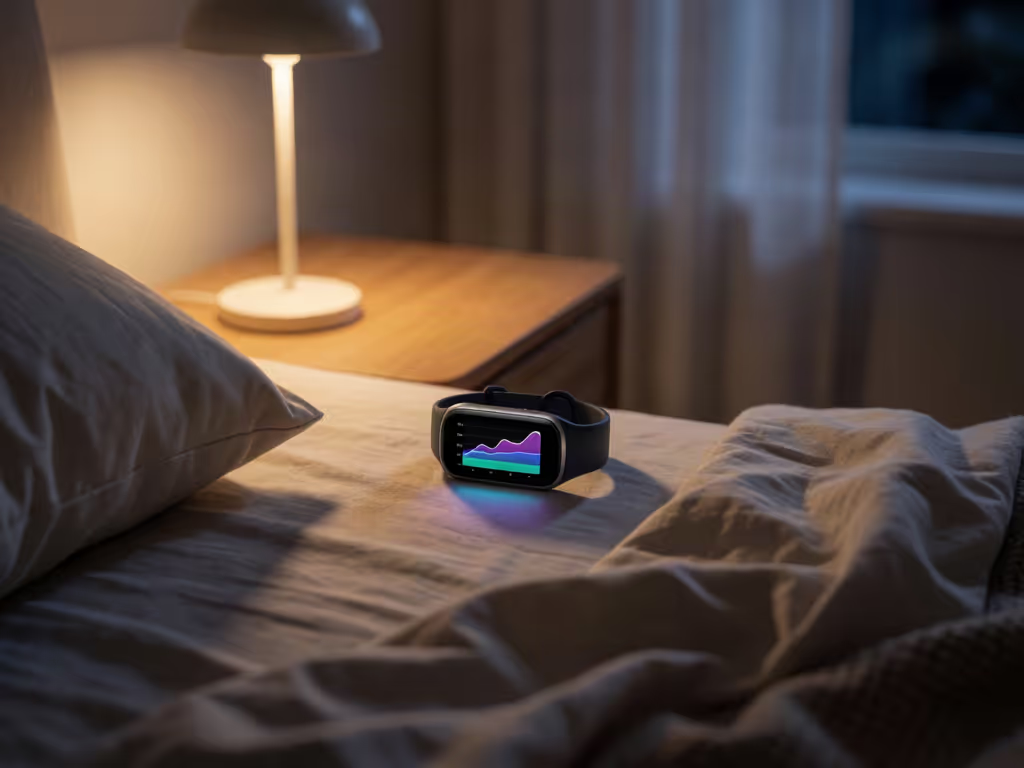
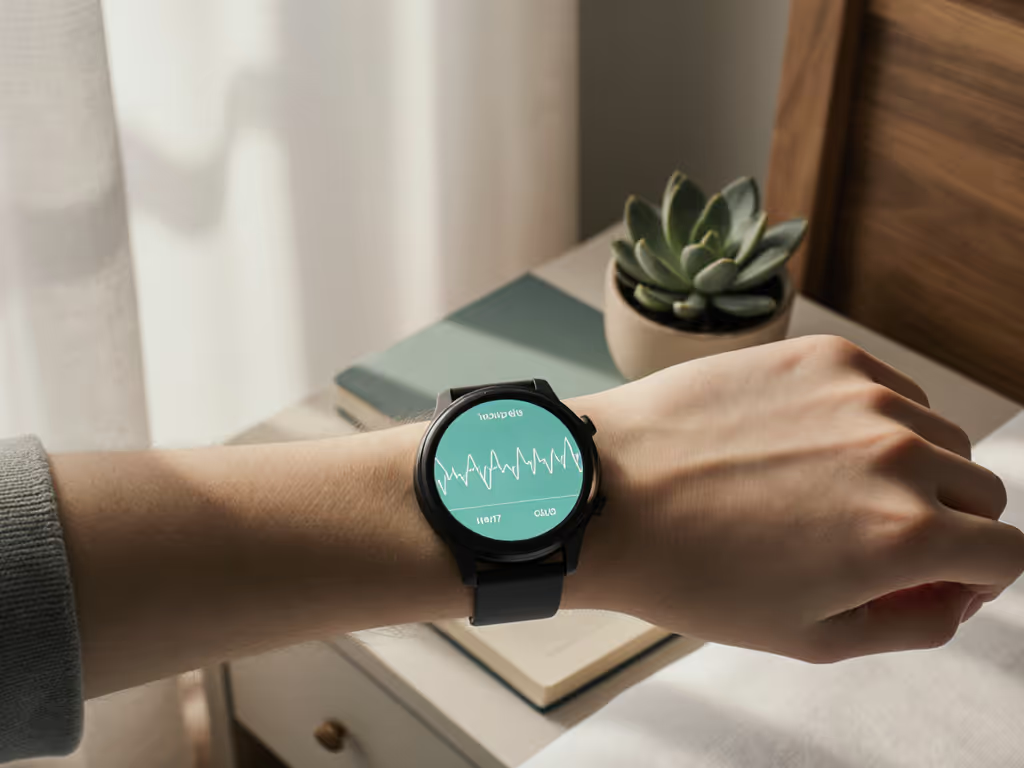
A fitness tracker respiratory rate feature can turn a quiet night of data into a useful personal trend, but only if you treat it as a repeated measurement, not a verdict. A breathing rate monitoring wearable can estimate breathing from signals such as optical pulse changes, heart-beat timing, or motion. The practical payoff is not chasing a perfect single number. It is building a comparable record of your own sleep breathing rate over time.
That distinction matters if your app makes a one-night change feel urgent. Consumer wearables are built for personal health, fitness, and performance monitoring, not a provider-directed diagnostic plan. Use the data to ask better questions about your routine and, when appropriate, to give a clinician useful context, not to self-diagnose.
Start with the label in the app. "Breathing" metrics are not interchangeable.
A wearable may estimate respiratory rate using one or more pathways:
Which pathway applies depends on the device and the metric it reports. The important point: the displayed number is an algorithmic estimate, and its quality depends on the signal it receives, much like the limitations explained in this guide to optical sensor accuracy.
Also separate respiratory rate (usually expressed in breaths per minute) from a sleep-disruption metric. For example, Apple describes its Apple Watch Breathing Disturbances metric as an accelerometer-based measure of interruptions in breathing pattern during sleep. It is not breaths per minute and is not equivalent to the apnea-hypopnea index.
Before you interpret a trend, confirm the metric name, unit, and the time window your app uses.
There is no single accuracy number that applies to every consumer tracker, wrist, or night. Sensor method, the algorithm, body position, movement, reference device, participant group, and data-quality filters all change the result.
Controlled evidence illustrates why conditions matter. In a study of 34 healthy adults using accelerometers on the chest and abdomen, respiratory-frequency error was under two breaths per minute across the tested placements and postures. Error was smaller while participants were supine than while seated. But that was a short, controlled test with body-wall sensors, not proof that a wrist tracker will perform the same way.
A separate, non-peer-reviewed preprint on one wrist-worn optical device reported lower error at rest than in free-living conditions: 0.60 versus 2.43 breaths per minute. Its free-living agreement range was wider, too. That is not a scorecard for all brands. It is a useful reality check: everyday movement and variable signal quality can make wearable respiration tracking less precise.
Direct evidence comparing the same consumer tracker's respiratory-rate accuracy during sleep and awake resting periods is not available here. Treat sleep and awake readings as separate contexts unless your device documentation clearly says otherwise. For broader context on how wearables interpret sleep data and stages, see this explanation of sleep tracking science.

A trend becomes more useful when the inputs are boringly consistent. The same principle applies to all wearable metrics: learning how to interpret tracker data without overload can help turn repeated readings into practical decisions. That is good news: you do not need a premium device or a complicated dashboard to do this well.
Use this simple baseline routine:
The available observational data support this baseline-first approach. In a 14-day Fitbit-user dataset, within-person variation in sleep estimates differed across age and sex groups. That is a reminder that individuals vary, and that your own repeated pattern is generally more informative than trying to match someone else's screenshot.
Switching costs matter as much as features on paper. If an app buries the history, will not show missing data, or makes it difficult to export your records, the low sticker price may become expensive in time and uncertainty. Before committing to a platform, review this guide to fitness tracker data privacy and control so you understand how your respiratory and sleep history is stored and shared. Look for a tracker and app setup that lets you review a trend without turning every morning into a data project.
A sensible reading order keeps a metric from creating unnecessary anxiety.
Was the tracker worn similarly? Was there a recorded value? Are you comparing sleep with sleep rather than sleep with a seated daytime check? Motion artifact is a major problem for accelerometer-derived breathing estimates, and signal quality matters for optical and heart-timing approaches as well.
One unusual point can reflect ordinary biological variation, a disrupted night, or a weak sensor signal. A change that persists across several comparable nights is more worth documenting than a single spike or dip.
A typical healthy-adult resting respiratory-rate range is often stated as 12-20 breaths per minute. That is not a sleep-specific reference range, an age-specific chart, or a diagnosis threshold. It cannot tell you whether a particular sleeping value is "good" for you.
Do not turn a consumer trend into a condition label. If you have symptoms, are worried about a sustained change, or have a clinician-directed reason to monitor breathing, bring the pattern and your notes to a qualified healthcare professional. The data can support the conversation; it cannot replace it.
For a metric you may track for months, comfort and data access are part of accuracy in real life. A highly capable sensor does little for you if the band rotates, lifts, triggers skin irritation, or ends up on the charger every night.
Use this purchase or reset checklist:
This is the same right-sizing logic that helped my household retire a confusing mix of premium and budget wearables: better straps, a short list of must-have metrics, and honest accounting for subscriptions and replacement costs simplified mornings far more than another marquee feature.
Switch smart, not hard: keep the data that helps, mute the data that nags, and choose the ecosystem that gives you a workable backup path.
If your device offers a sleep apnea-related notification, read the feature description separately from its respiratory-rate screen. For a focused look at what wearables can and cannot detect about sleep breathing disruptions, read this review of sleep apnea monitoring accuracy. Apple's feature, for instance, evaluates a multi-night pattern of Breathing Disturbances rather than a single respiratory-rate value. Apple also states that no notification does not mean sleep apnea is absent.
That is a useful general lesson: a notification system can have a specific purpose and still leave important uncertainty. Do not use the absence of an alert as a clean bill of health, and do not use one breathing-rate reading as proof that something is wrong.
The available 12-20 breaths-per-minute reference is for typical healthy adults at rest, not a validated sleep-specific range. It cannot determine whether 12 during sleep is good or bad for an individual.
Confirm that you are looking at respiratory rate rather than Breathing Disturbances, which is a different sleep metric. Avoid interpreting a generic resting range as a personal diagnosis.
Yes. Wearable respiration monitoring can use chest or abdominal movement, pulse oximetry, ECG-derived signals, or optical pulse sensing. One tested wrist-worn PPG device estimated respiratory rate from optical pulse signals. Heart-rate-enabled wearables can also infer a rate from heart-beat interval data, while chest or abdominal movement monitoring uses body-wall sensors.
The best use of a fitness tracker respiratory rate is modest and practical: establish a personal sleep baseline, preserve the context around meaningful changes, and resist the urge to overread one number. Explore how your app handles missing data, whether it separates rate from breathing-disturbance metrics, and whether you can export your history before you become dependent on its dashboard. That is how a wearable becomes a useful tool rather than another source of nightly uncertainty.